



Choosing an ultrawide monitor vs. a 4K projector for sim racing comes down to one question: do you care more about competitive precision or the feeling of sitting inside the car?
A high-refresh ultrawide monitor is usually the safer choice for ranked racing. It delivers consistently low latency, sharp HUD text, strong motion clarity, and predictable performance in almost any room.
A 4K projector offers something different. With the right screen size and seating position, it can make the cockpit, track and surrounding cars feel much closer to life-size. That added scale can transform casual racing, endurance sessions and single-player driving—but only if the room and projector setup support it.
Modern gaming projectors have narrowed the performance gap. Some now offer high-refresh, low-latency modes, although reaching their lowest advertised delay often means switching from 4K to 1080p.

Start With How You Race: Competition or Immersion?
Before comparing specifications, consider what you want from your sim rig.
|
Your priority |
Better starting point |
|
Ranked iRacing, ACC or F1 competition |
Ultrawide monitor |
|
Lowest and most consistent display latency |
Ultrawide monitor |
|
Sharp HUD, dashboard and tire data |
Ultrawide monitor |
|
Large, near-life-size cockpit image |
4K projector |
|
Casual racing and single-player immersion |
4K projector |
|
A dedicated dark sim room |
4K projector |
|
Bright or shared living space |
Ultrawide monitor |
|
Simple installation and minimal maintenance |
Ultrawide monitor |
Neither option is automatically the best display for sim racing. The better choice depends on the geometry of your rig, the lighting in your room and how sensitive you are to latency.
FOV in Sim Racing Comes Down to Geometry, Not Screen Size
Screen size alone does not determine sim racing field of view. What matters is how wide the image appears from your seated position.
A useful approximation is:
Horizontal FOV = 2 × arctan (screen width ÷ 2 × viewing distance)
This produces a result that can be surprising.
- A 49-inch 32:9 ultrawide is approximately 1.2 meters wide. Viewed from 65 centimeters away, it covers roughly 85 degrees of horizontal vision.
- A 120-inch 16:9 projector image is approximately 2.66 meters wide. Viewed from 2.5 meters away, it covers only about 56 degrees. Move the seat closer—to around 1.5 meters—and the same projected image covers approximately 83 degrees.
In other words, a 120-inch image does not automatically provide a wider FOV than a 49-inch monitor. The projector gains an advantage when the screen is both large and positioned close enough to fill more of your vision.
Aspect ratio matters too. A 32:9 ultrawide naturally extends the image sideways, provided the simulator supports the resolution correctly. A 16:9 projection can still feel much larger, but it may need a shorter seating distance to match the horizontal coverage of an ultrawide.
Before buying either display, enter your real screen dimensions and eye-to-screen distance into your simulator’s FOV calculator. This is more reliable than comparing diagonal screen sizes.

Monitors Still Have the Safer Latency Advantage
For competitive drivers, input lag remains the most important difference.
Response time and input lag are not the same measurement. The “1ms” printed on a monitor box often refers to pixel response time, not the complete delay between an input signal and the image appearing on screen. When comparing displays, look for independently measured total display latency under equivalent resolution and refresh-rate settings.
Gaming monitors are built around high-refresh, low-latency operation. Models running at 144Hz, 165Hz or 240Hz usually provide predictable performance without requiring major compromises in image quality.
Projector latency varies more significantly by operating mode. Resolution, refresh rate and image processing can all affect the result.
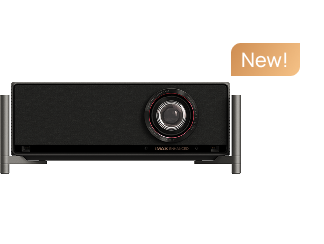
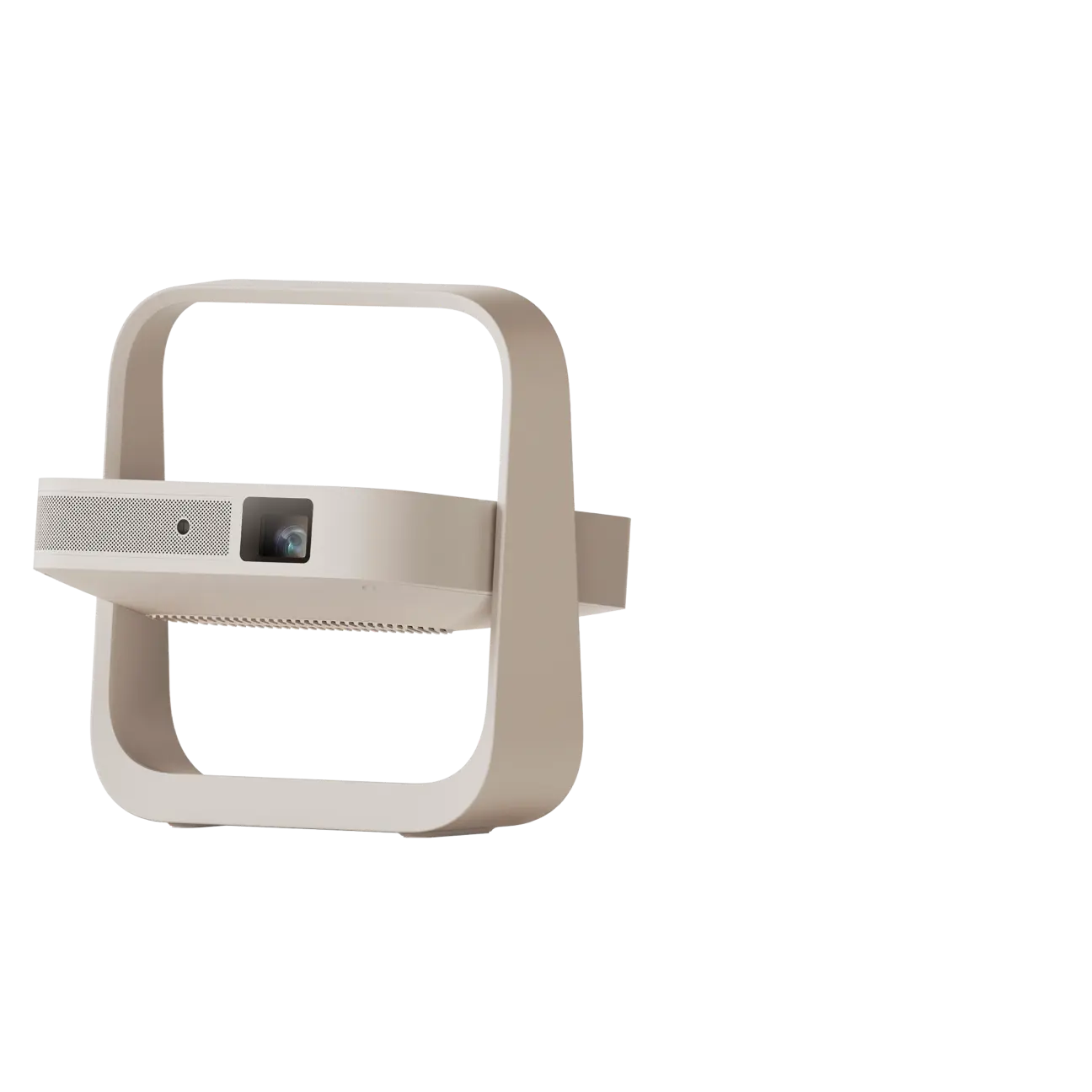
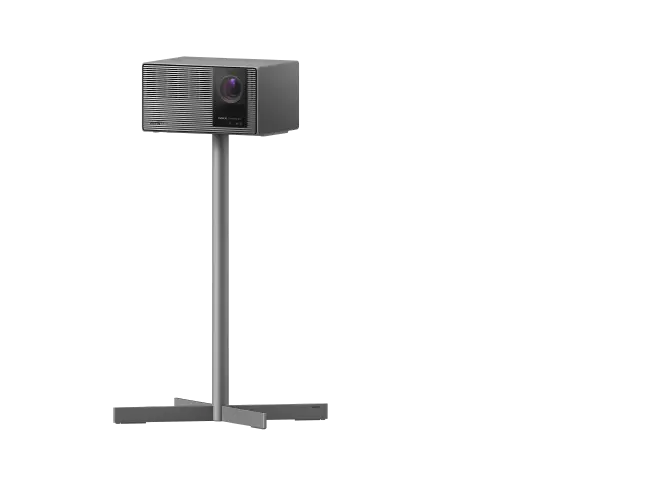
For example, the XGIMI HORIZON 20 has a manufacturer-specified 1ms mode at 1080p/240Hz. That is an unusually low figure for a projector, but it does not mean the projector will maintain the same latency at 4K/60Hz. Drivers must choose between maximum resolution and the fastest response mode.
Refresh rate also changes how often a new frame can be displayed:
- 60Hz: one frame approximately every 16.7ms
- 120Hz: one frame approximately every 8.3ms
- 240Hz: one frame approximately every 4.2ms
For the lowest sim racing projector input lag, enable the dedicated game mode and disable unnecessary processing such as motion interpolation, noise reduction and dynamic image enhancement. Automatic keystone correction may also increase latency on some models.
If every braking input and steering correction matters, an ultrawide monitor remains the lower-risk option. A projector becomes more appealing when immersion is the priority or when it offers a properly tested high-refresh gaming mode.
A Bigger Image Is Not Always a Sharper Image
A 4K projector creates a much larger image than an ultrawide monitor, but those pixels are spread across a larger surface.
At normal projection distances, 4K can still look detailed and convincing. A large projected cockpit may feel closer to the dimensions of a real car, especially when the dashboard and windshield fill most of the screen.
However, an ultrawide monitor is viewed from much closer range and usually has greater pixel density. Fine HUD text, brake balance settings, tire temperatures and distant track markers tend to look cleaner. This matters in racing simulations that place a large amount of information on screen.
Motion clarity is another consideration. A 144Hz or 240Hz monitor can show rapid steering movements and passing scenery more cleanly than a projector limited to 60Hz. A projector with a 120Hz or 240Hz mode can close that gap, although the highest refresh mode may run at a lower resolution.
Choose based on what you notice most while driving:
- If you frequently read small HUD elements, the monitor has the advantage.
- If you want the car and track to feel physically larger, the projector has the advantage.
- If you want both, look for a projector that supports high refresh rates at a resolution you are comfortable using.
Your Room May Make the Decision for You
A projector setup for sim racing is highly dependent on the room.
A dedicated dark room
This is the ideal projector environment. Blackout curtains, controlled lighting and a proper screen preserve contrast and make shadow detail easier to see during night races.
A screen between 100 and 150 inches can create strong cockpit scale, provided the seating distance produces the correct FOV. Matte walls also help by reducing reflected light around the image.
A living room with ambient light
Ambient light lowers perceived contrast and can wash out braking markers, road texture and dark sections of the track.
A brighter projector helps, but brightness alone cannot fully overcome sunlight hitting the screen. Blackout curtains or an ambient-light-rejecting screen may be necessary. This raises the total cost and should be included when comparing a projector with an ultrawide monitor.
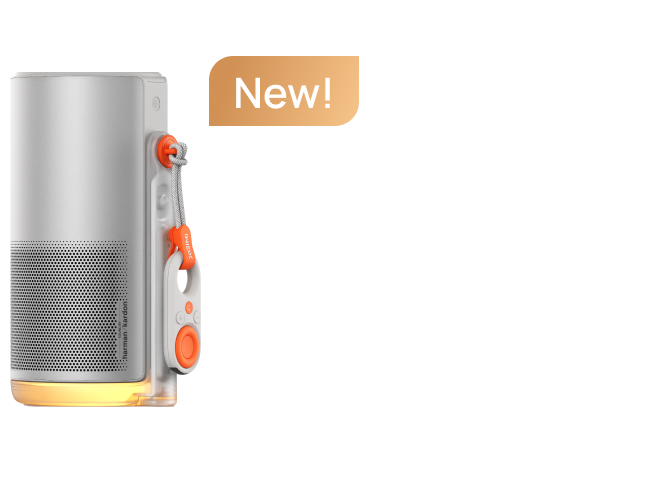
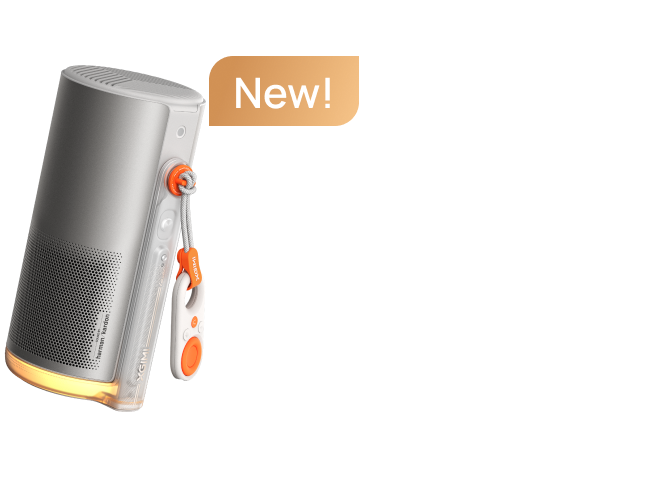
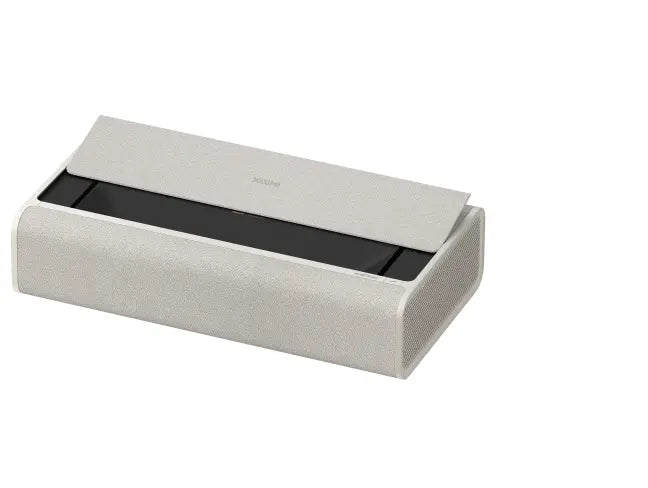
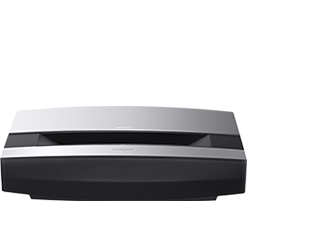
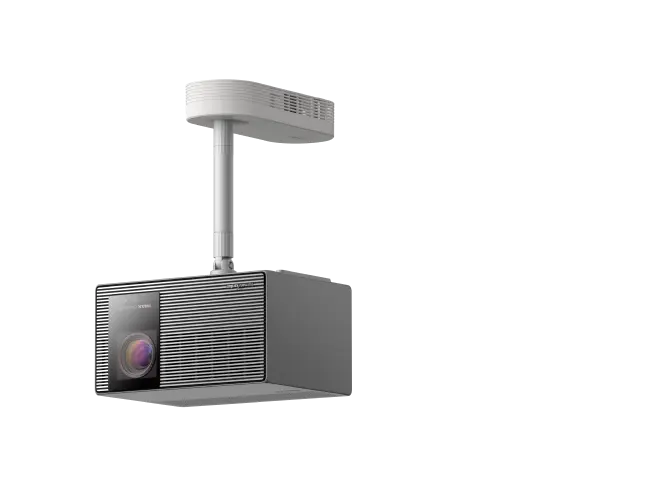
For a living-room rig placed close to a wall, an ultra-short-throw projector such as the XGIMI AURA 2 can create a large picture without a long ceiling-mounted installation. It still requires a flat screen surface and careful alignment.
A rental or apartment
Projecting directly onto a wall sounds convenient, but wall texture can make dashboard text and fine track details look uneven. Digital keystone correction can fix image shape; it cannot remove physical texture.
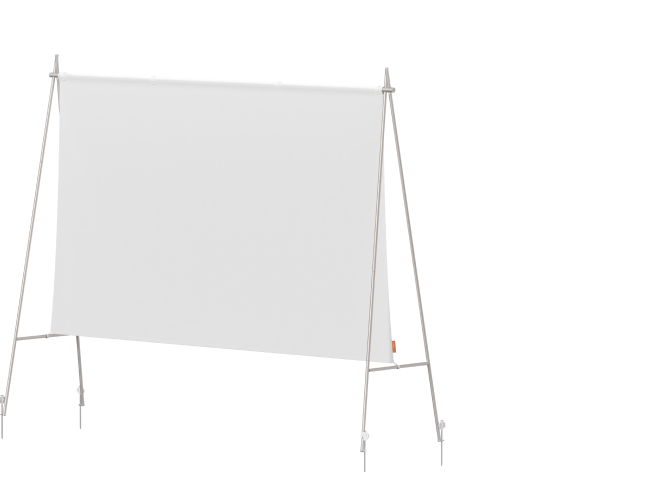
A portable tensioned screen is usually the better option. It adds cost, but it also produces a flatter, more consistent image and can move with the rig.
A garage or multipurpose space
Overhead lighting and daylight are the main challenges. Even a high-brightness projector will struggle if direct sunlight falls on the screen.
A monitor is generally easier to use in this environment. If a projector is preferred, control the light first and choose the screen surface before deciding how much brightness is required.
Projector placement also matters. Make sure the rig, wheelbase or driver will not block the projection path. Fan noise may be noticeable during menus or quiet sessions, although it is often masked by engine audio while racing.

Ultrawide vs. Projector, Which is More Suitable for Your Need?
Pick an Ultrawide Gaming Monitor If
An ultrawide monitor is likely the better purchase when:
- You regularly compete in ranked online races.
- You want consistently low latency without changing display modes.
- Your room has uncontrolled daylight or bright overhead lighting.
- You sit close to the display and need sharp HUD text.
- You do not want to install a screen or manage projector placement.
- You frequently move or adjust your sim rig.
- You want a predictable 144Hz, 165Hz or 240Hz experience.
A 49-inch 5120 × 1440 ultrawide monitor is particularly well suited to iRacing and other simulations that support 32:9 resolutions. It offers a broad horizontal view without requiring the space or installation work of triple monitors.
The main limitation is physical scale. Even a 49-inch screen may not create the same near-life-size cockpit effect as a carefully positioned 120-inch projection.
Pick a 4K Projector If
A 4K projector makes more sense when:
- Immersion matters more than gaining the last few milliseconds of response.
- You mainly race in single-player, casual online or endurance sessions.
- You have a dark or light-controlled room.
- You can place a large screen close enough to achieve the desired FOV.
- You want the cockpit and surrounding cars to appear closer to real-world scale.
- Your projector supports a low-latency game mode at an acceptable resolution.
- You are willing to spend time on screen placement and room setup.
Some drivers also find reflected projector light comfortable during long sessions. This is not universal, however. Eye comfort still depends on screen brightness, room lighting, viewing distance, flicker control and regular breaks.
Five Last Questions to Make the Decision
Before ordering a display, ask yourself:
1. Do I regularly race at a competitive level?
If yes, start with an ultrawide monitor unless the projector has a verified low-latency mode you are comfortable using.
2. Can I control the room lighting?
If not, the monitor will provide more consistent contrast and visibility.
3. What FOV will the screen create from my actual seating position?
Calculate it using screen width and eye-to-screen distance rather than diagonal size.
4. Do I value HUD sharpness or physical image scale more?
An ultrawide favors sharpness; a projector favors scale.
5. Am I willing to install and maintain a projection setup?
A projector may require a screen, blackout treatment, alignment and more careful placement.
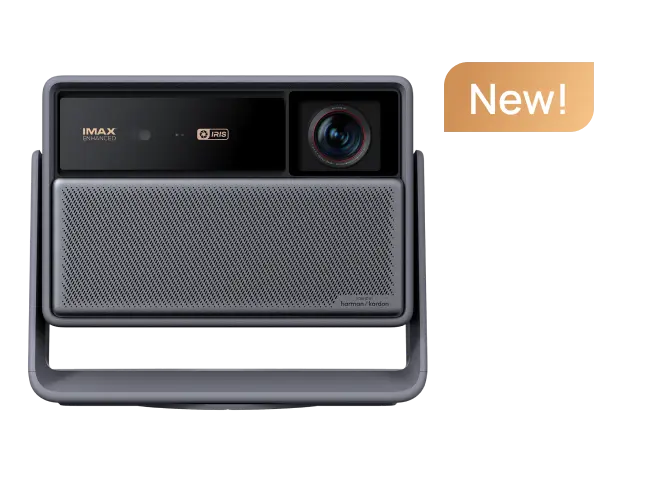
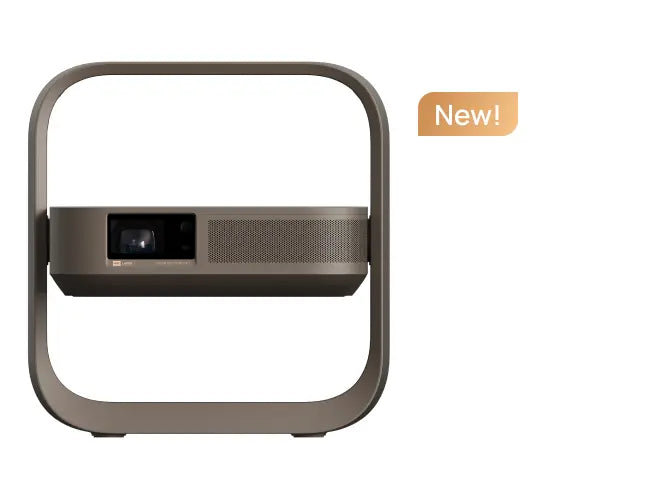
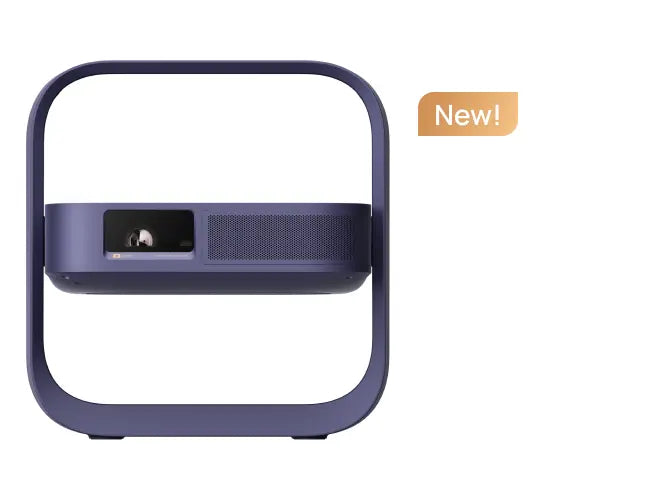
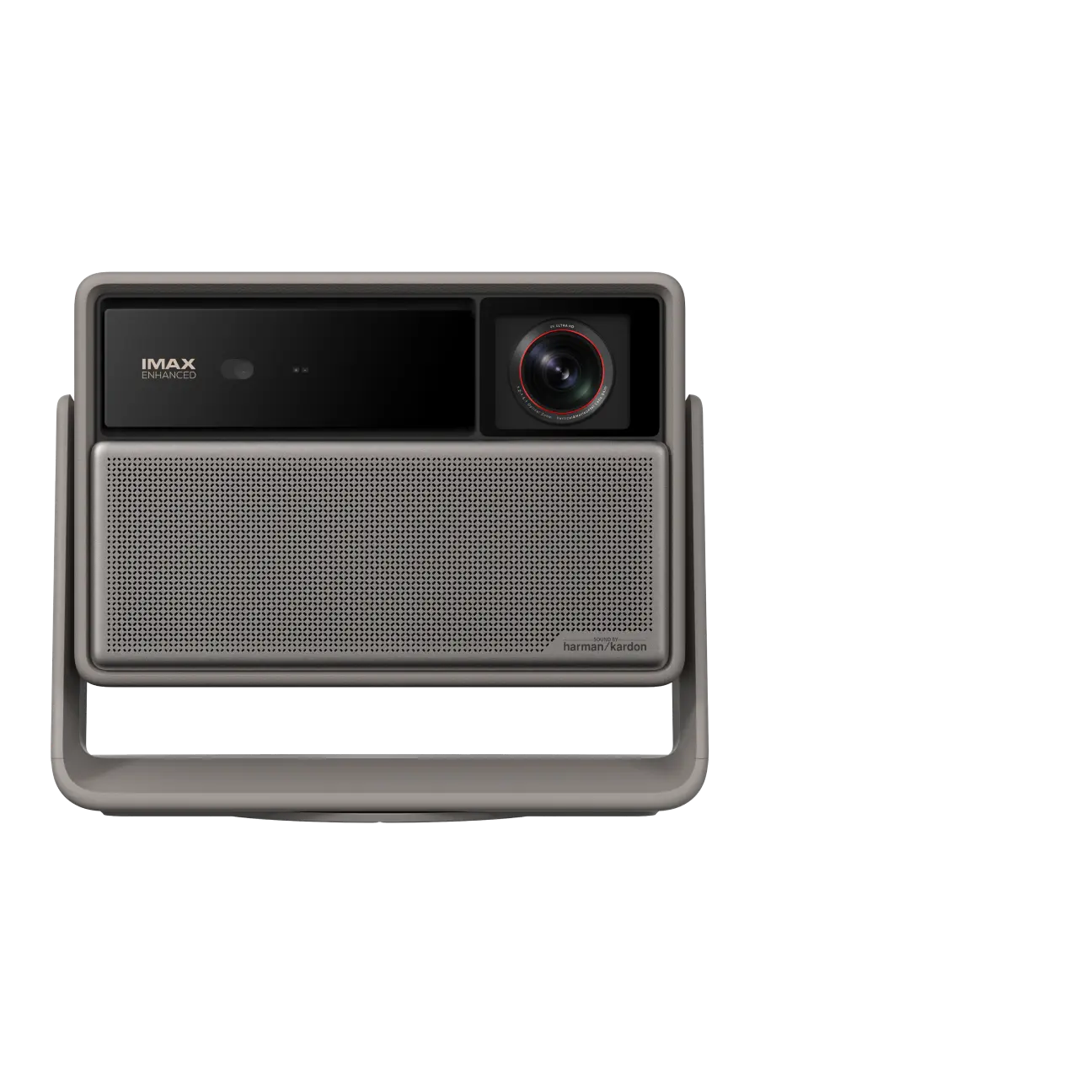
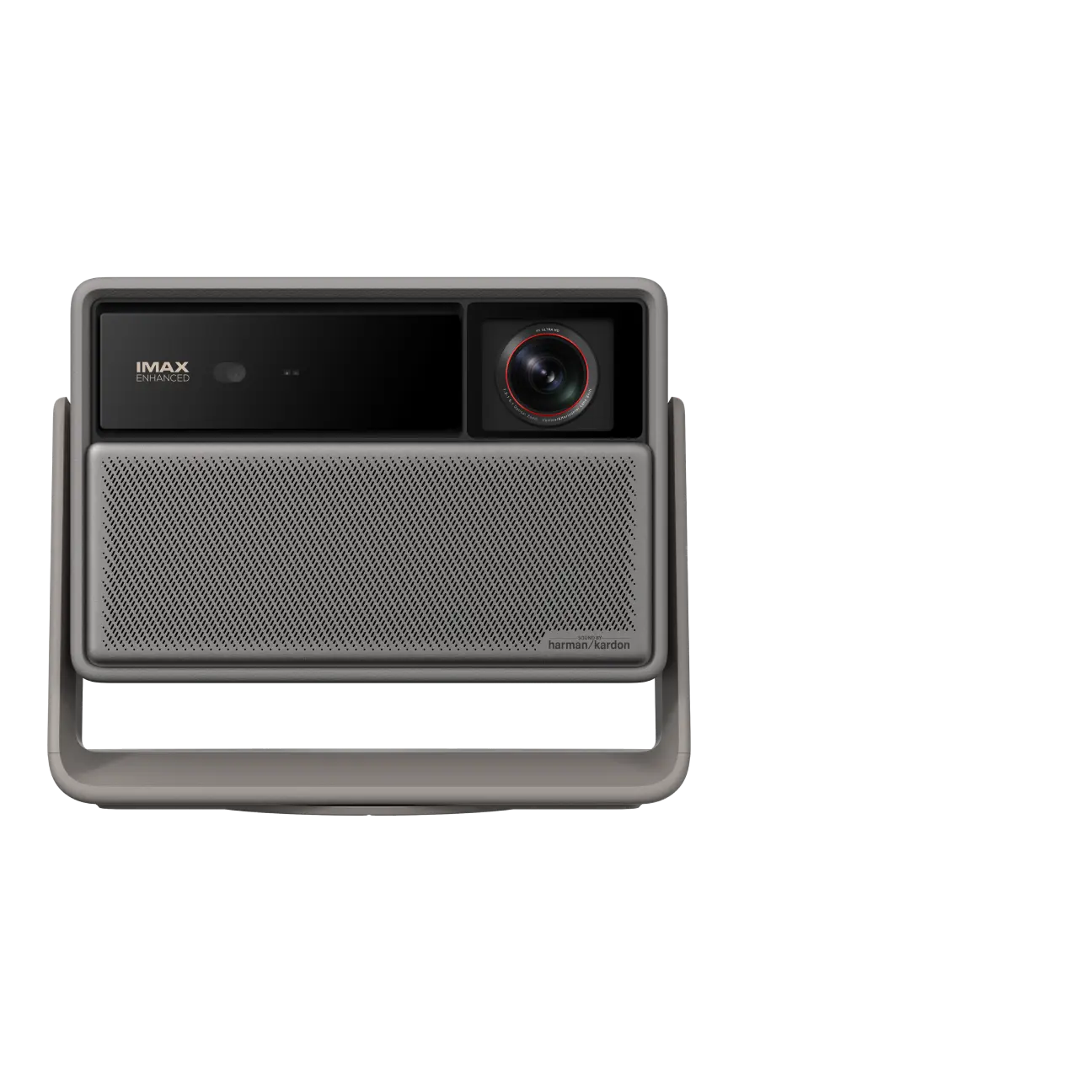
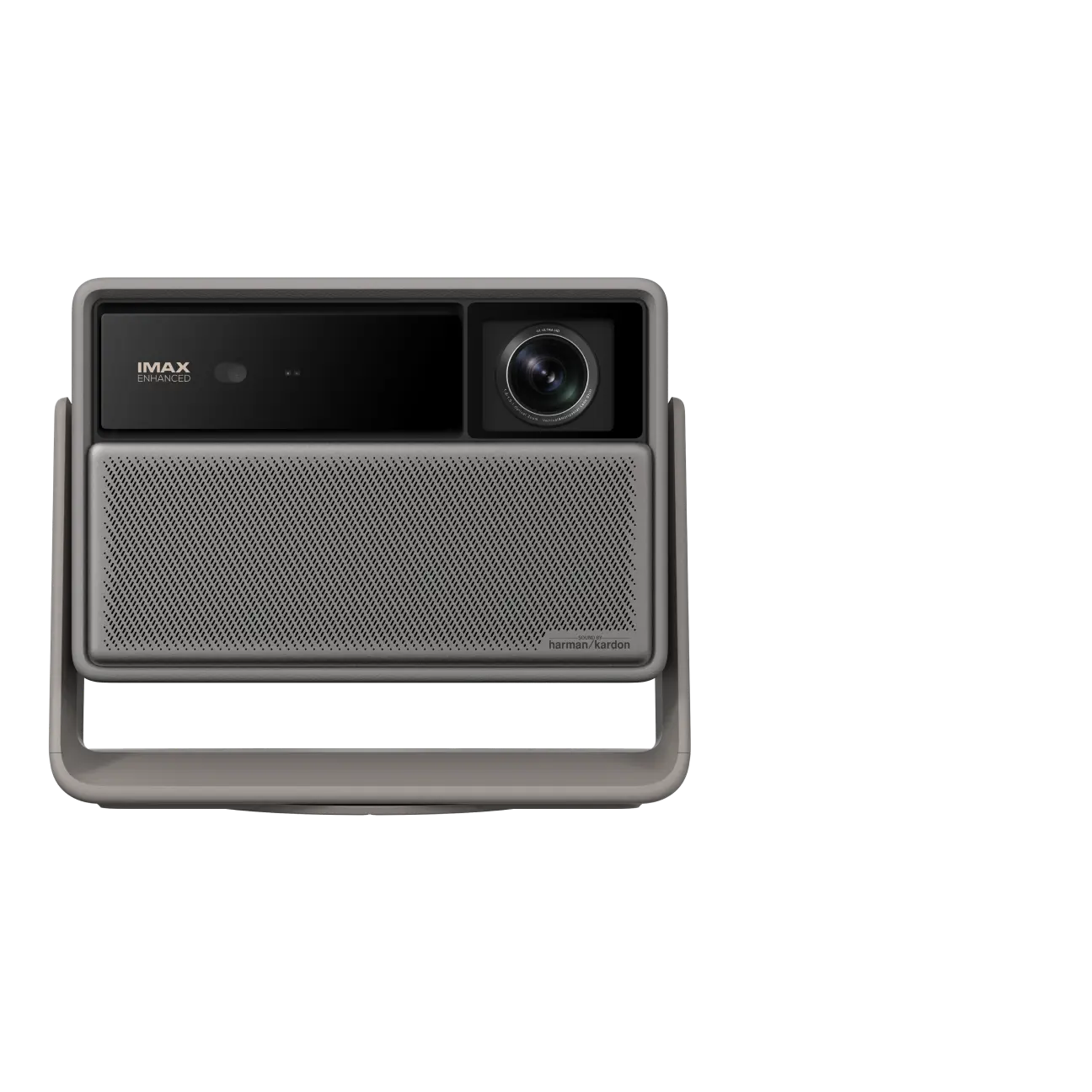
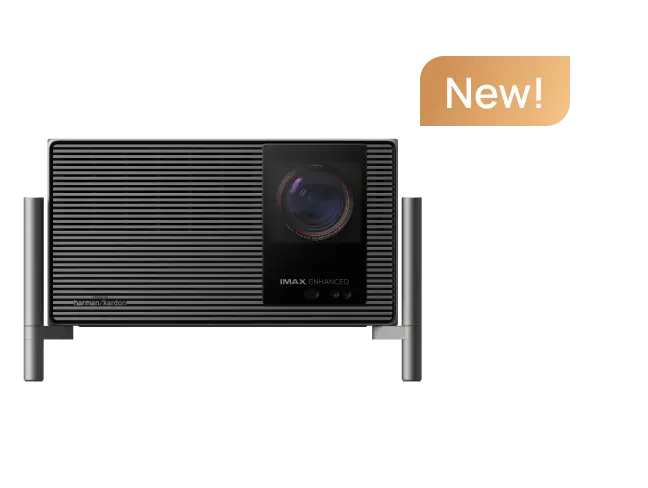
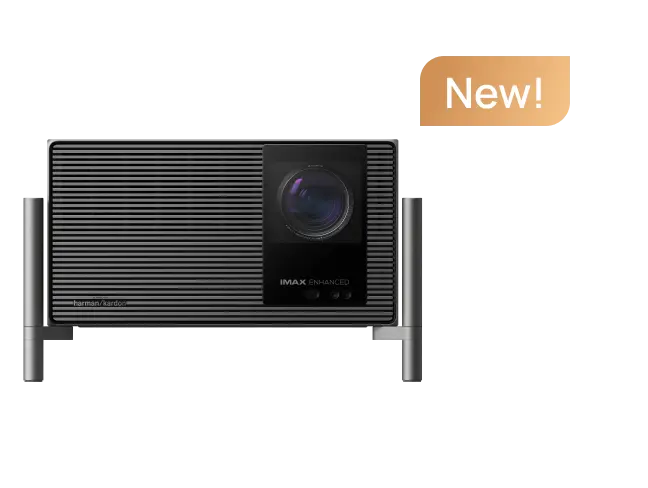
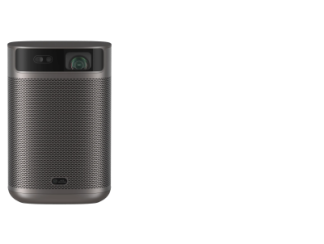
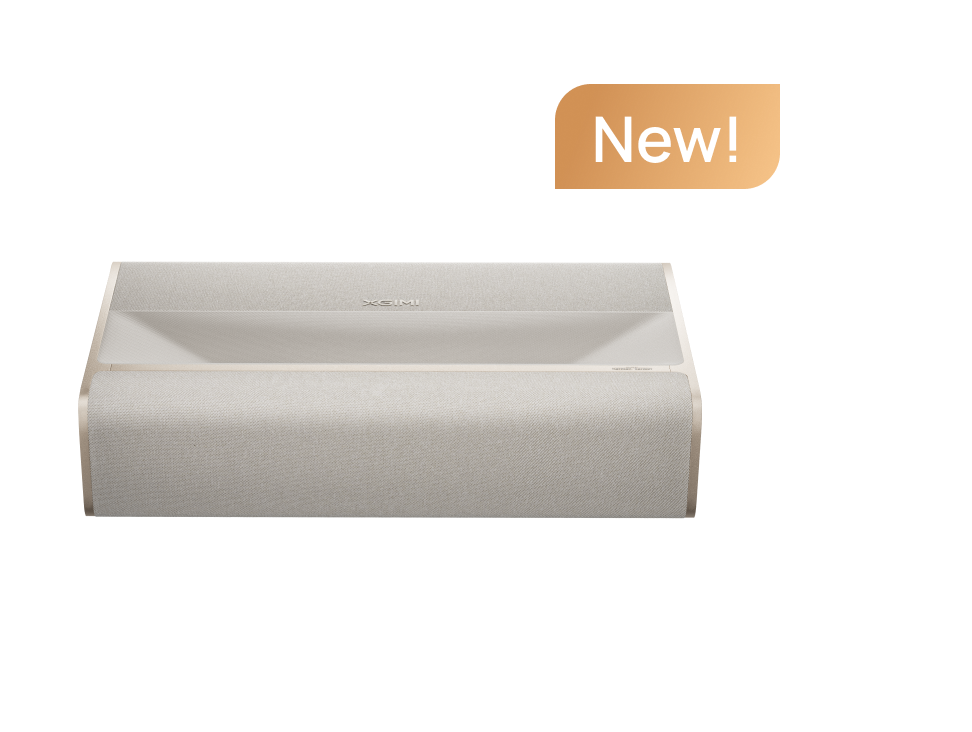
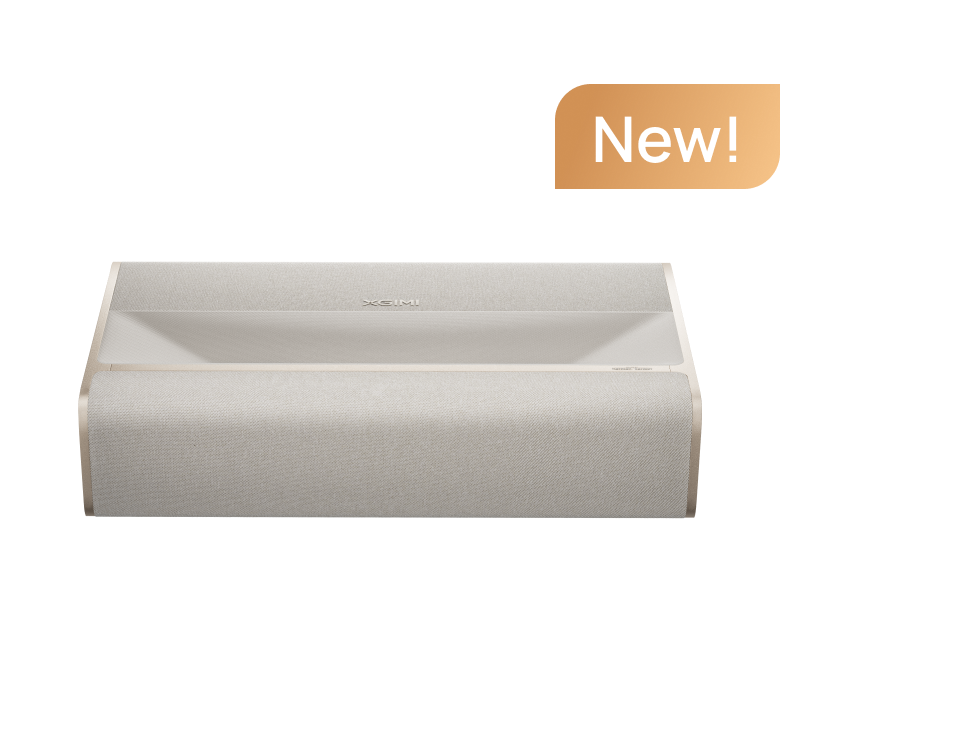
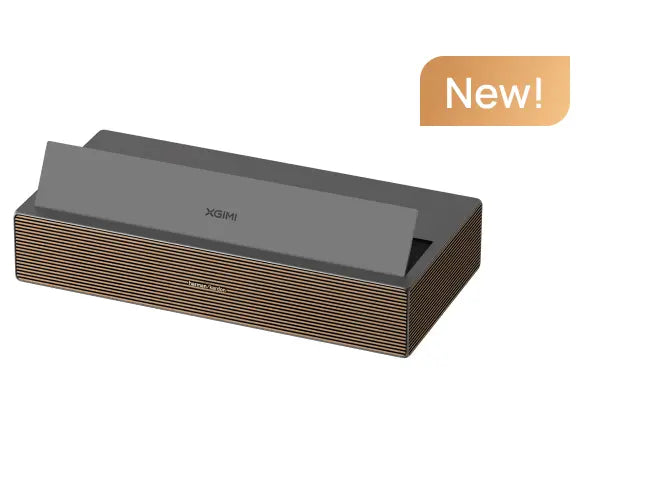
XGIMI 4K Low Latency Projectors Recommended
The best projector for sim racing depends on whether you prioritize latency, brightness, resolution or installation flexibility.
|
Racing setup |
Suggested model |
Main consideration |
|
High-refresh racing in a dark room |
HORIZON 20 |
Manufacturer-specified 1ms at 1080p/240Hz |
|
Maximum brightness and 4K immersion |
HORIZON 20 Max |
Suited to large screens and HDR-focused use |
|
Balanced gaming and home entertainment |
HORIZON 20 Pro |
Middle ground between brightness and flexibility |
|
Small room or wall-side installation |
AURA 2 |
Ultra-short-throw design; better for immersion than serious competition |
|
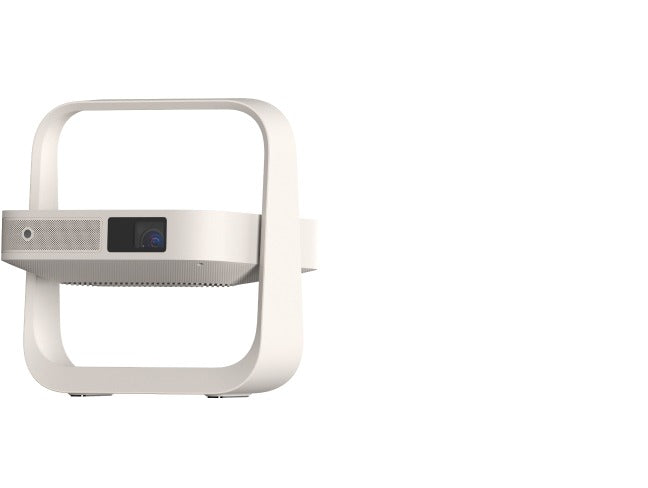
Room-to-Room setup |
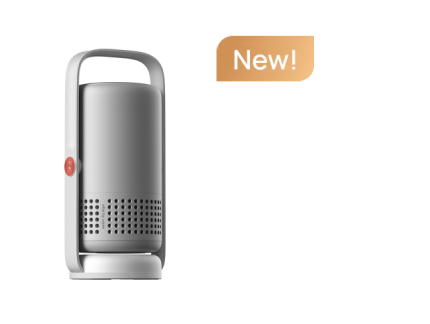
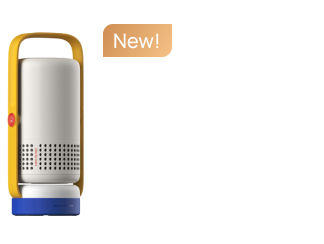
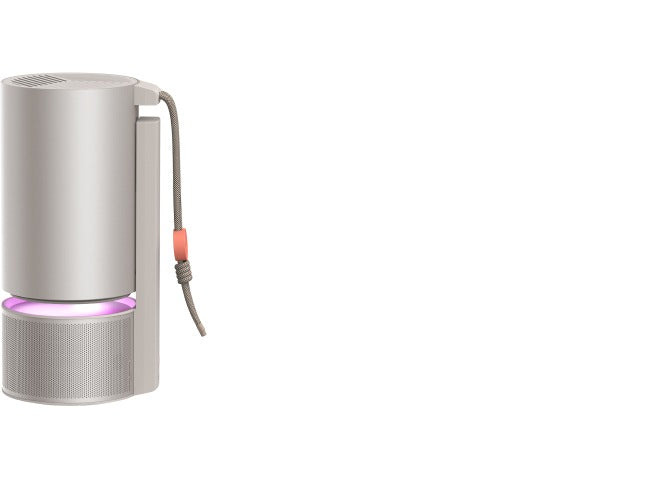
Elfin Flip 4K |
Portable size for flexible step, ideal for both indoors and outdoors |
|
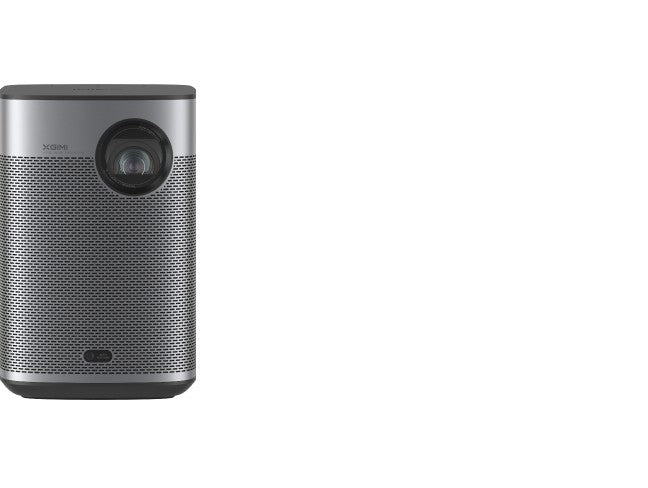
Casual, budget-conscious racing |
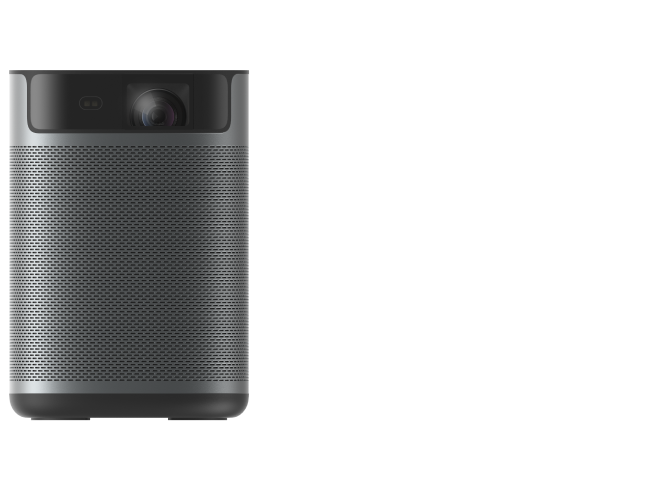
HORIZON Pro |
Higher latency makes it less suitable for ranked racing |
article_product1
article_product2
Treat all advertised latency figures as best-case specifications. The actual result depends on input resolution, refresh rate, game mode, GPU settings and any active image processing.
For competitive use, verify the latency of the exact mode you plan to run. A projector’s fastest 1080p mode should not be treated as evidence of its 4K performance.

Conclusion
In the ultrawide monitor vs. 4K projector for sim racing comparison, the ultrawide is the better all-round choice for competitive drivers. It offers lower-risk latency, higher pixel density, strong motion clarity and straightforward installation.
The 4K projector is the more immersive choice when the room, screen and seating geometry are properly planned. It can make the cockpit feel substantially larger and more convincing, but its advantage comes from correct angular coverage—not screen size alone.
If your priority is lap-time consistency, choose the ultrawide. If your priority is feeling as though the car surrounds you, choose the projector. If you want both, look for a high-refresh gaming projector and be prepared to trade some 4K detail for its lowest-latency mode.


