








Reviewed by: Lilditty02 (Community reviewer - Reddit r/projectors)
Disclosure: The XGIMI Elfin Flip 4K was provided free of charge in exchange for honest reviews. All opinions are the reviewer's own.
Orginal Links:
- https://www.reddit.com/r/projectors/comments/1uy0yf5/xgimi_elfin_flip_4k_unboxing_thoughts/
- https://www.reddit.com/r/projectors/comments/1uzvpu6/xgimi_elfin_flip_4k_first_use_review/
XGIMI sent me this projector to review and keep, and they asked for honest feedback. That is what I am going to give. This post combines my unboxing notes with my first full review so you get one continuous story: from the moment the box arrived to the first two 4K HDR movies in my dedicated, light controlled theater.
article_product1
My Current Home Theater Setup
Before I get into the XGIMI Elfin Flip 4K, here is the system I am comparing it against.
- Projector: Optoma UHD 50 (DLP bulb)
- Screen: Elite Screens Spectrum motorized screen
- Room: a dedicated, light controlled theater area
I was excited to try the XGIMI out and see how it compares to my Optoma. My current projector is a DLP bulb model, so I was also curious how the triple laser would compare.
Unboxing and Build Quality
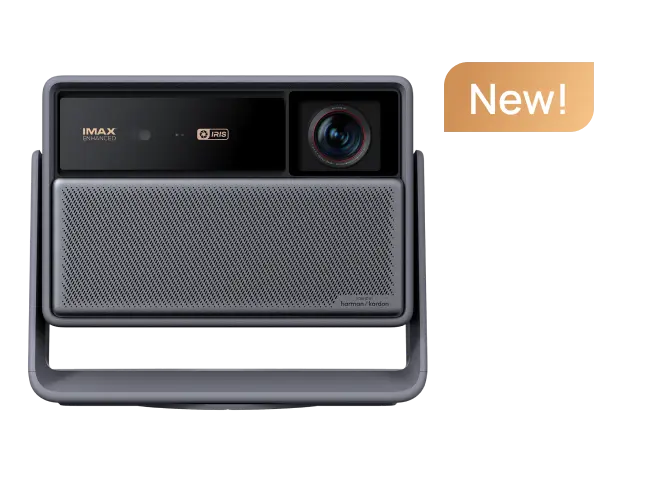
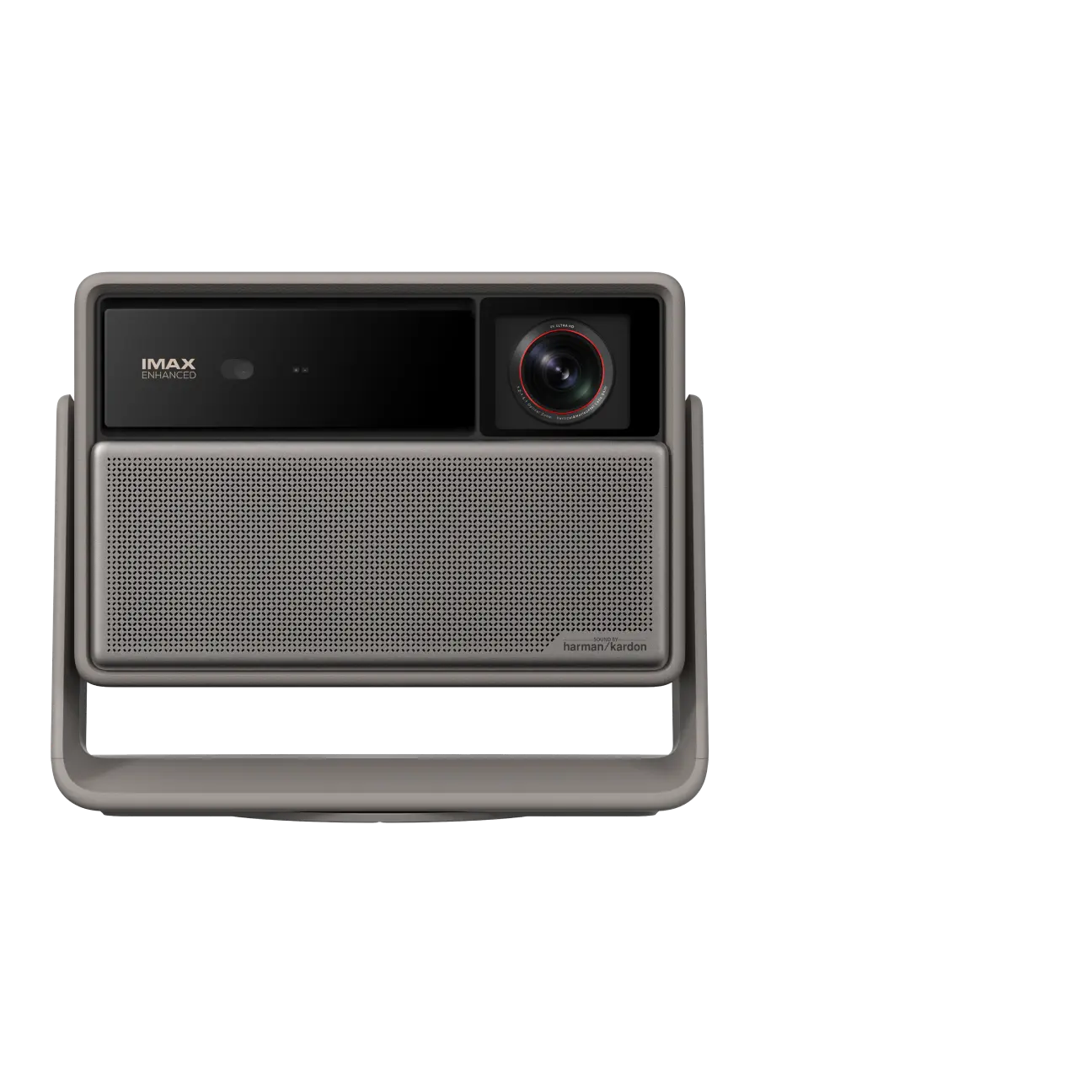
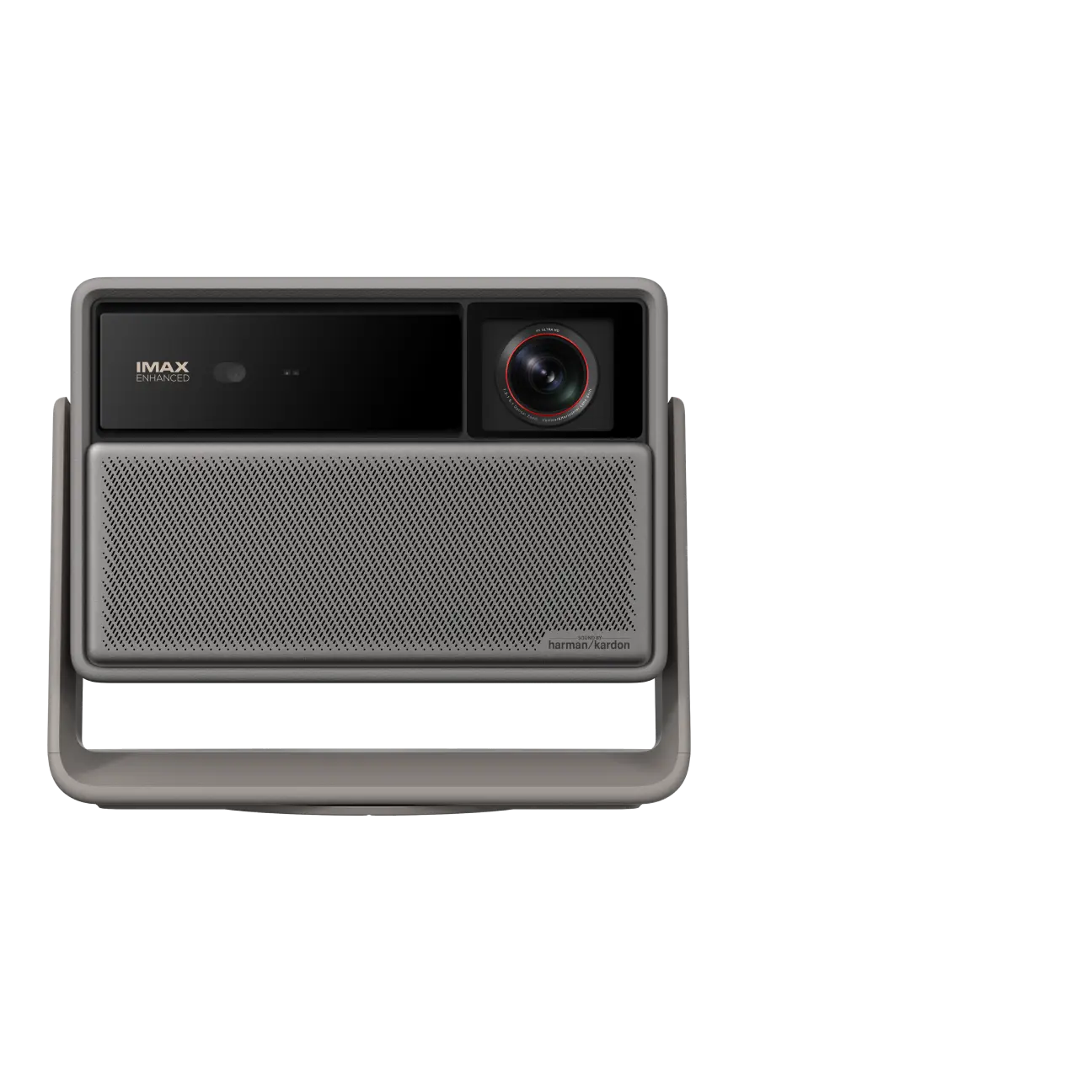
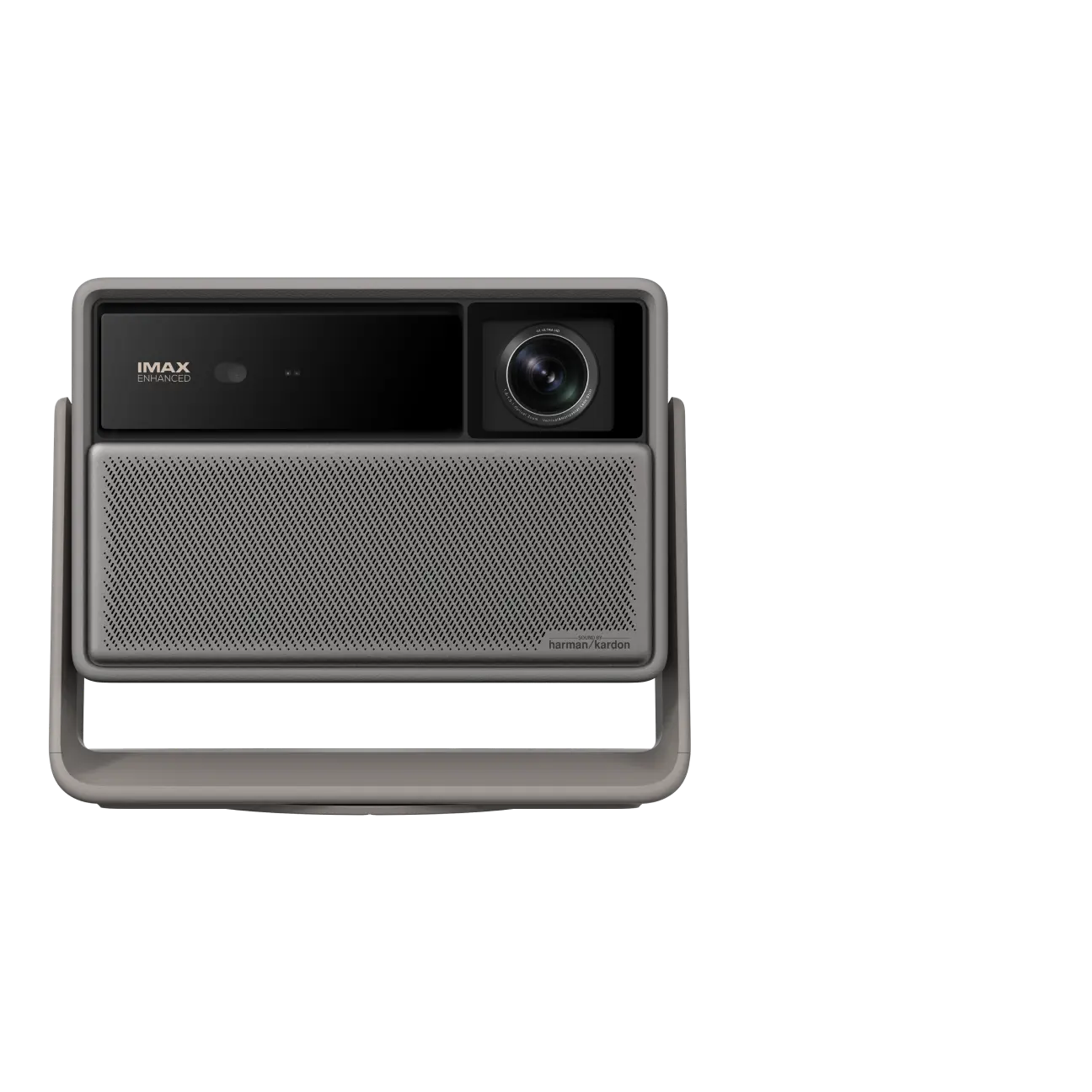
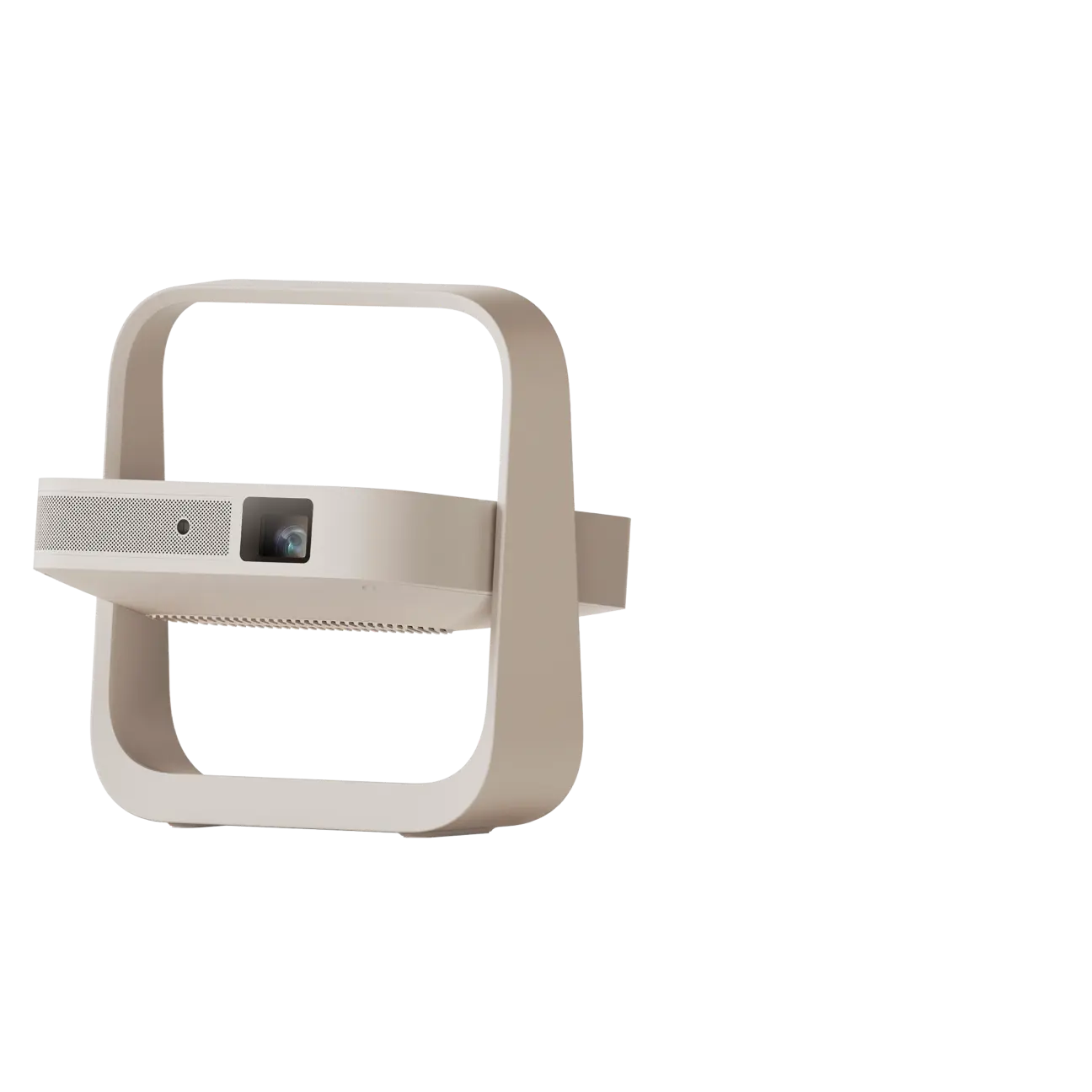
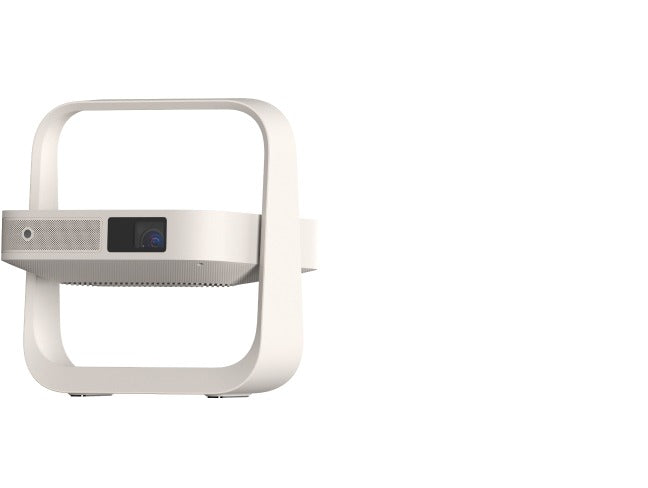
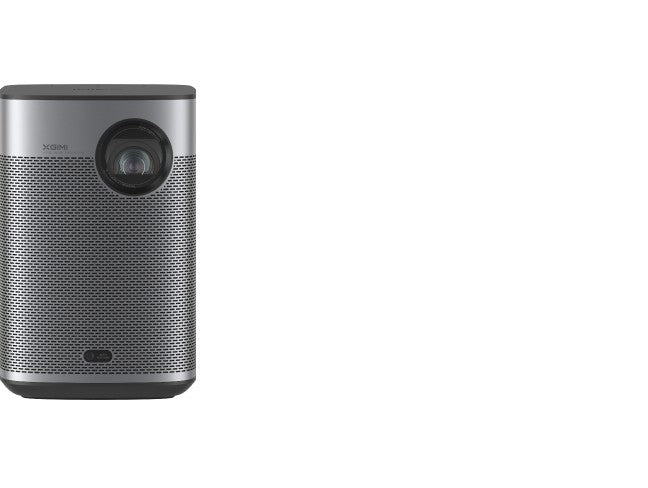
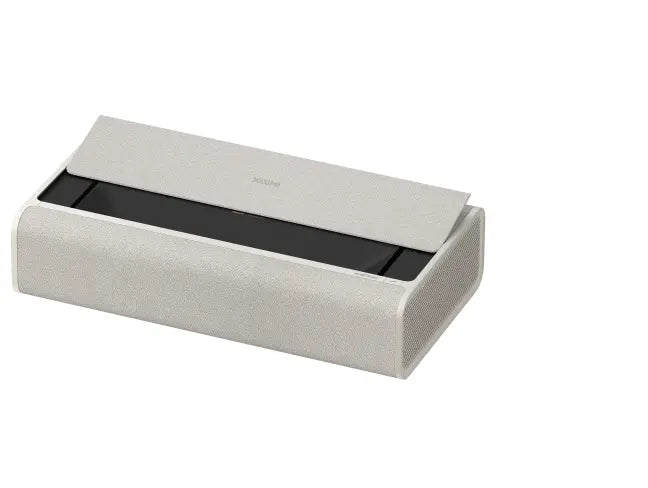
The projector arrived well packaged. It was double boxed, which is nice to see. I was surprised how light it was overall. Opening the box, everything was packed well with lots of foam padding separating everything. One benefit of the attached stand is that it acts as an additional layer of bump protection as well. I do not think it would be an issue based on how it was packed, but it could be something.
The box had the basic necessities for the projector: projector, remote, and power cable. Including batteries for the remote was much appreciated.
The projector seems well built, and I can't wait to try some of the auto keystone features and have high hopes for the optical zoom keeping everything nice and sharp.


Planning the Ceiling Mount: One 1/4-20 Thread and a Low Ceiling
Where I am at now, my plan is to have this set up in a fully light controlled theater area, which includes mounting the Elfin Flip 4K projector to the ceiling. I have some concerns about the setup, but we will see how they play out.
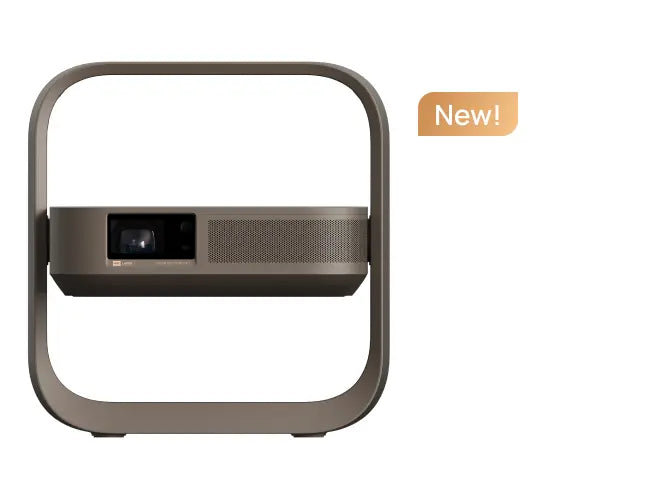
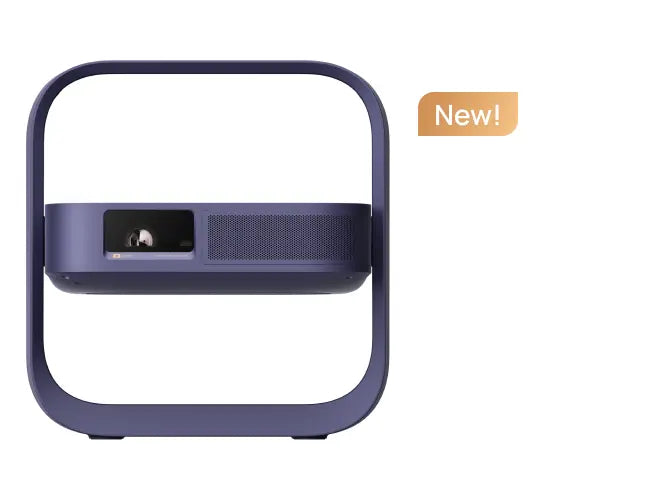
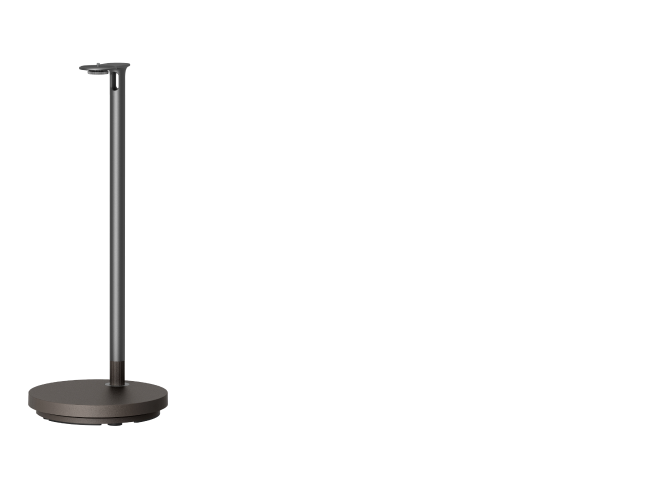
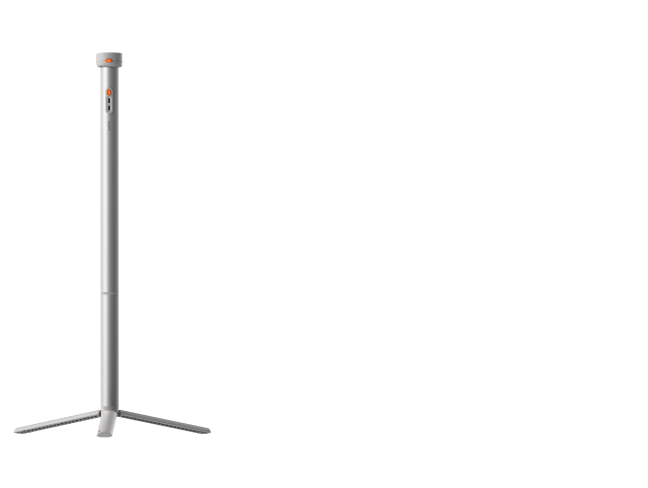
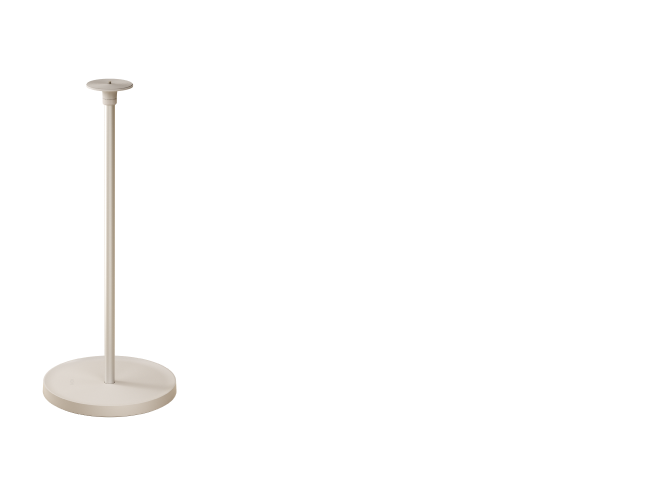
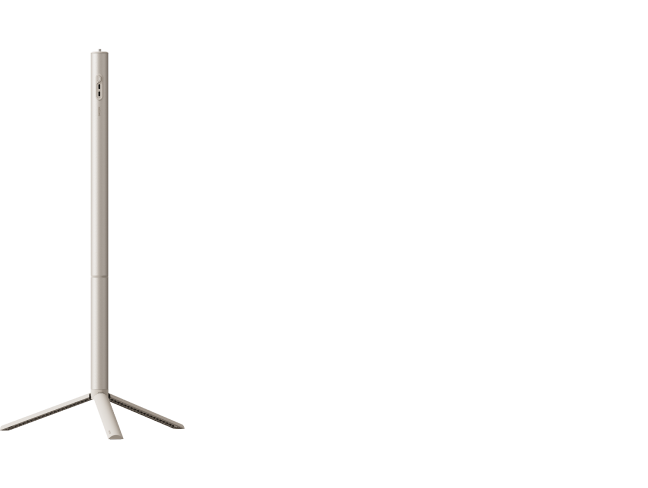
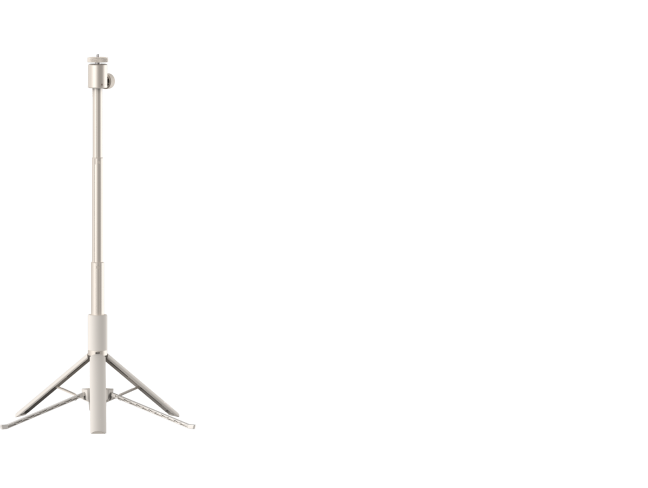
There are no mounting points on the projector itself, just a single 1/4-20 screw mount on the attached base. This seems like it will be less stable in the long run, but we will see. I do not have a mount with a single screw input, so I ordered one and will be able to set up once everything gets here.
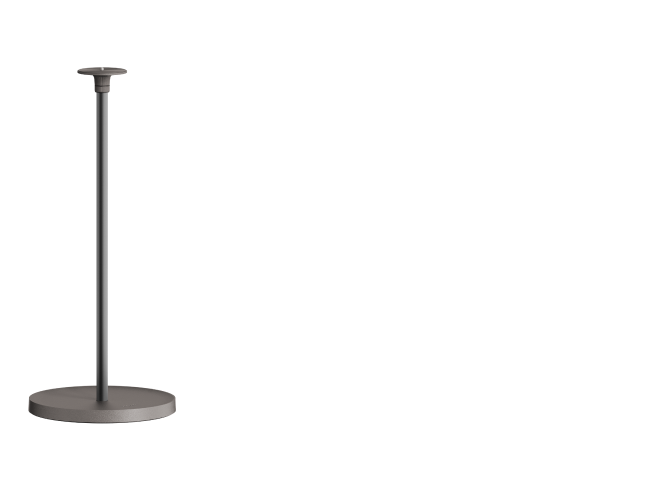
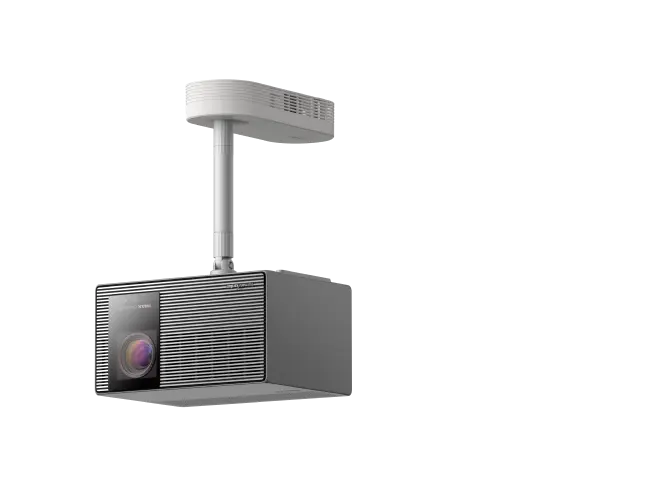
A second thought on the ceiling mounting. My setup is in the basement, and I have a particularly low spot I have to set the projector up at because of a bulkhead for ducting. Having to mount the projector using the base makes it fairly tall, and the official XGIMI mounts are also fairly tall, so using that setup will have the bottom of the frame hanging almost 2 feet below the ceiling, which might be difficult in some spaces.
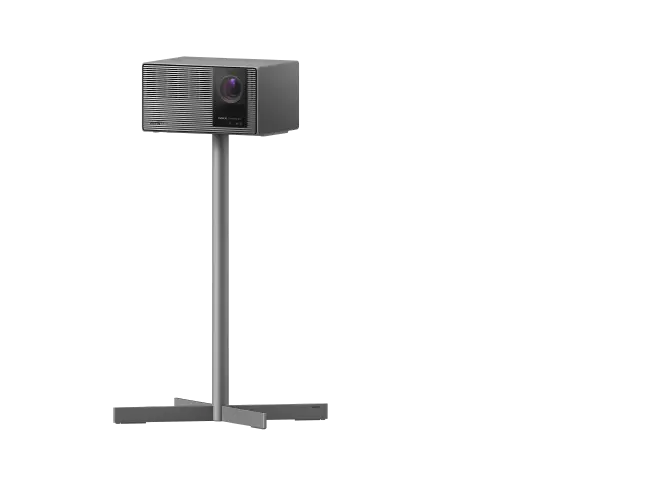
I am toying with the idea of building a shelf instead for more stability but will decide once I have had more time to play with the setup. But even in that case, because the base is not detachable (at least not in a way that is easy and obvious), the base is about 10 inches tall, which means a shelf will need to hang down about a foot from the ceiling. That is slightly more than my current projector hangs down but much more reasonable.
Ceiling Mounting and the First Power on
I am ceiling mounting the XGIMI and ordered a simple mount from Amazon, but it went from 2 day shipping to now not coming until next week, so I 3D printed some generic ceiling hooks to hang the projector so I could get it up and running.
Turning on the projector for the first time, the instructions to pair the remote come up by default. I do not really know the workaround, but obviously the screen had not focused yet, so the instructions were very blurry. If I had not known from reading the instructions that I need to pair the remote, it may have been an annoying step to figure out. Not sure if there is a way to make the projector autofocus if no remote is detected, just to make that easier for people to figure out.
How the Projector Projects from Its Base
One observation, and this is thinking about home theater use and ceiling mounting. When the projector is standing right side up on its base, the bottom of the projector is where the bottom of the screen projects, and it projects upward if that makes sense.
So when ceiling mounting, it does need to be upside down to work properly. Not out of the ordinary. But my initial concern is that the base only has a single 1/4-20 screw mount to hold it, and I am not sure how stable that will be long term in terms of holding position. I had thought of maybe building a shelf to keep the projector on, but that will not be possible because it cannot be upside down on the base.
Autofocus and Auto Keystone
First step after pairing was autofocus, and that worked incredibly well. Along with that, the projector did auto zoom and keystone correction which worked. If I was setting it up outside or just wanted a quick setup on a desktop or something with plug and play and no fuss, it worked perfect: square screen, focused, and ready to go.
Working with a Fixed Screen
In terms of using it with a dedicated screen, it did not detect screen edges and fully fill in the screen. It probably filled in about 60% of the screen. So I had to spend some time with the zoom and manual keystone correction.
The process was incredibly simple and easy to figure out. Very intuitive and worked very well.
How Two 4K HDR Movies Looked on the Elfin Flip 4K
First Movie: Tron Legacy in 4K HDR
Now to the fun part. First movie I watched was Tron Legacy in 4K HDR 10. I am using my own Shield TV Pro running a Plex server with a full resolution file, not streaming. So this is best case scenario.
Tron has a lot of dark scenes with glowing lights. The picture was very good, shadows were clear without any noticeable rainbowing or pixelated areas. There was a lot of shadow detail, and I think this did much better with the shadow areas than my Optoma. It was a dark scene but everything was clearly visible. It was a great viewing experience and I really enjoyed the picture the projector provided.
Second Movie: Mad Max Fury Road and Laser Speckle
The second movie I watched was Mad Max Fury Road on 4K disc through my Sony 4K player. So best of the best scenario.
Again the image was great, but Mad Max is a much brighter movie with strong blue skies and red desert. The brighter scenes had a fair amount of noticeable laser speckle. It was very noticeable in the blue skies. The red sand was not as obvious in shots where the camera was fairly still, but long moving shots during chase scenes made it more noticeable.
My screen is not specifically rated for laser projectors, so it is very possible this can improve with a different screen, but if you are looking to upgrade your projector with your current screen it might be a thing.
Also, I was specifically looking for it, so that probably made it more obvious. When I first got my Optoma, I could see some rainbowing, but I got used to it after a while and do not notice it anymore, and the same might happen with the laser speckle on this one.
Picture Mode and Color
I played around with basic settings and ended up using the Movie picture setting, and that has been my favorite setting. I have not done any type of calibration, and I do think I could benefit from it. There are some white scenes I have seen that were a little yellowish. It did not detract from the viewing experience, so it is more just getting that last 5 to 10% of perfection, but I am happy with the initial settings.
A Couple of Things Still on My Radar
That is all I have been able to do for now. A couple thoughts on things I have not figured out yet.
1. First, the projector seems to sort of have a memory for different outputs.
So I set the color profiles on Plex, and then when I tried YouTube it was back to the default settings. But when I went back to Plex, it seems like it saved the profile for that app. I have not played with it enough to find out if it is consistent, but it is on my radar to watch.
2. My other thing to watch, and one I do not love, is that when you turn the projector on, it defaults to the built in Google TV, so I have to manually change the input each time.
I have a Logitech remote, so it is possible that step can be added on at initial power on, but Logitech does not have a profile for it yet. There might be a way to change it, but I have not figured it out yet.
First Impressions Summary
Overall, out of the box the projector has a great image that I think is different but on par with the Optoma it is replacing. Better in the darks, not as great in the brights yet. But I am looking forward to continuing to play with the projector and seeing what it can do.
The build feels solid, the single 1/4-20 mount and the tall fixed base are the two things I am still watching for a low ceiling, and autofocus is the standout. For a dedicated, light controlled home theater, this is a strong first look at how the XGIMI Elfin Flip 4K performs against a bulb projector.
If there is anything else you would like to know or have me try, please let me know.


