



Project on Walls? Only When the Lights Go Out
If you own a standard-throw or long-throw projector and your room goes fully dark at night, a smooth, matte-white wall is a legitimate starting point. However, it is not a permanent compromise. You will get a watchable, large-format image. What you will not get is the contrast depth, color accuracy, or black-level performance that the same projector delivers onto a dedicated screen.
The gap widens fast the moment ambient light enters the equation. Wall paint typically has a reflective gain of 0.5 or less, while a standard matte white projector screen has a gain between 0.8 and 1.0.
That difference translates directly to a dimmer, lower-contrast image before any other variable is considered. Add a textured surface, a non-white paint color, or a glossy finish, and the degradation compounds at 4K resolution in ways that simply don't show up at 1080p.
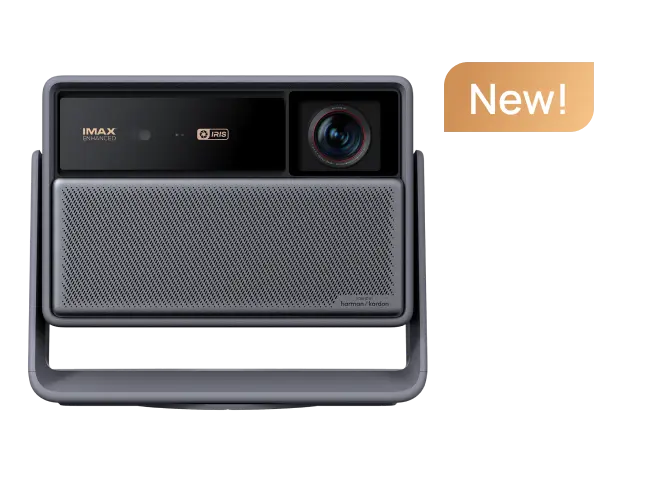
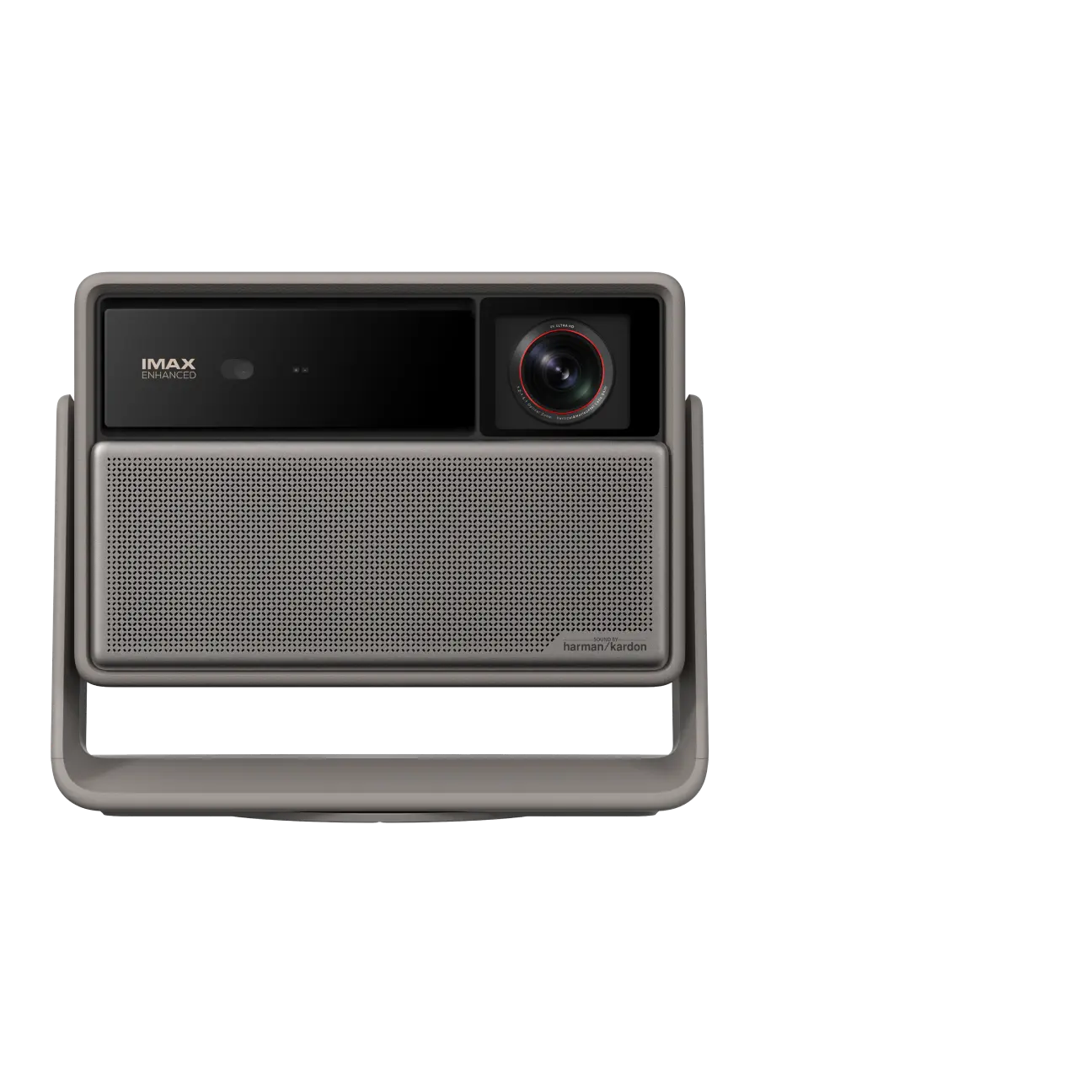
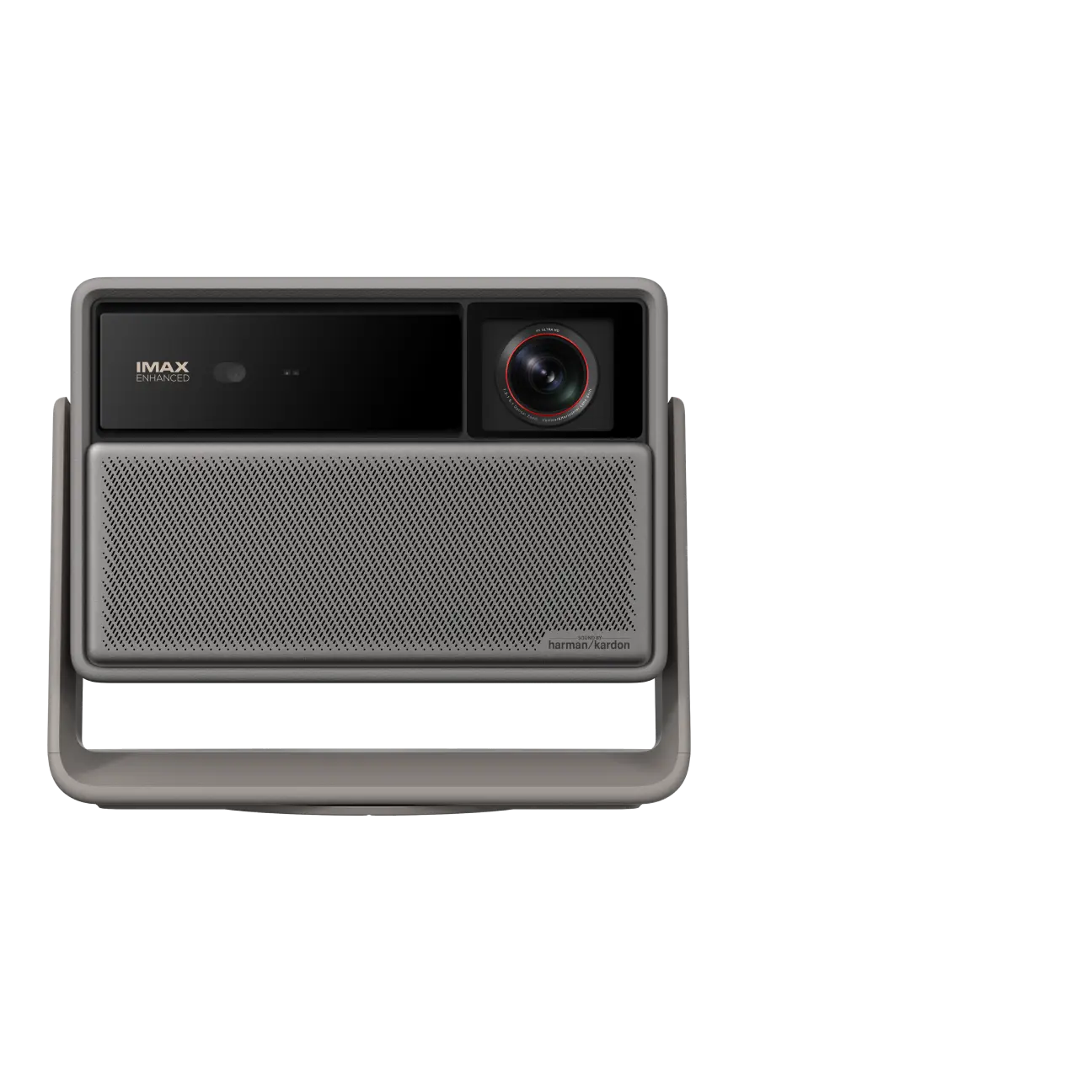
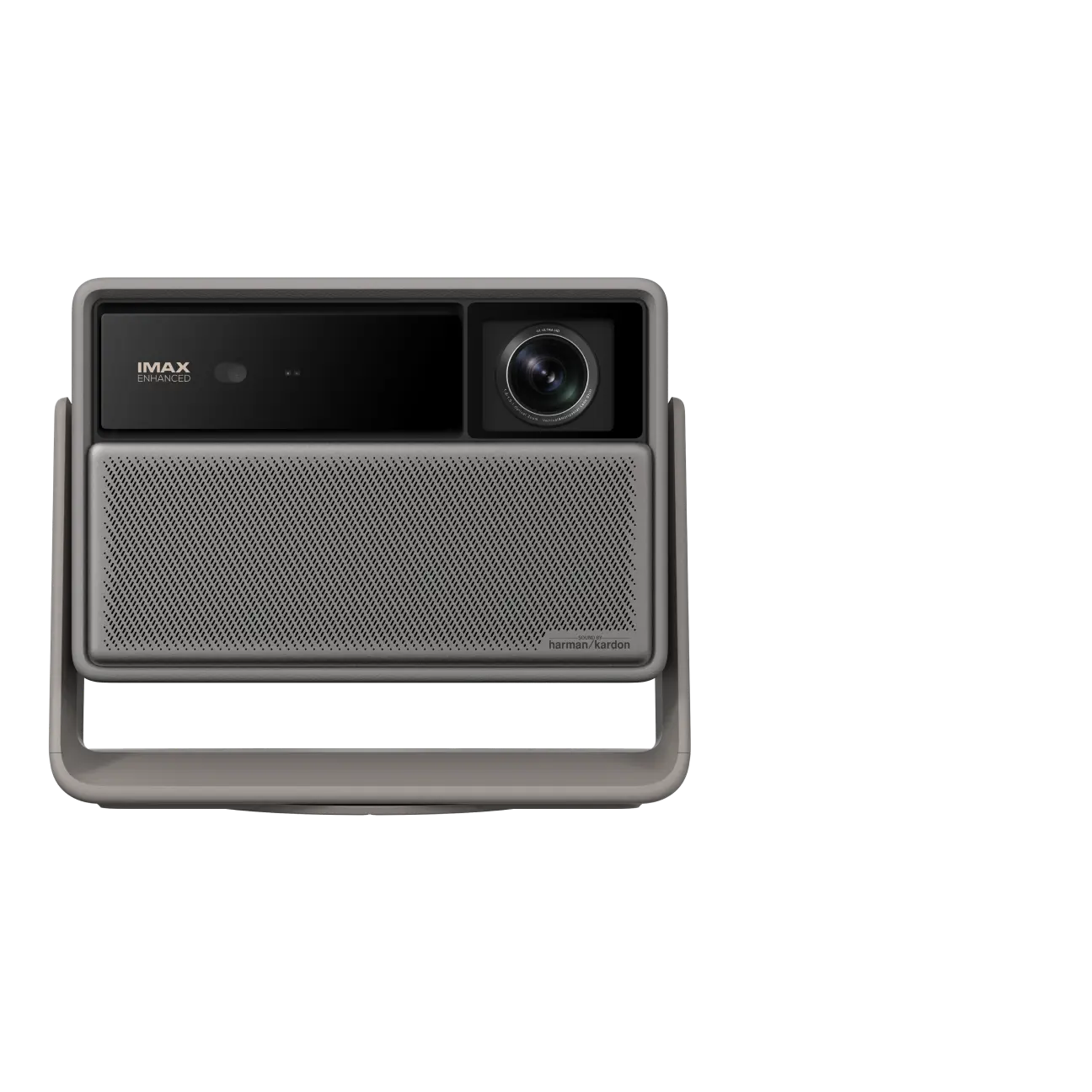
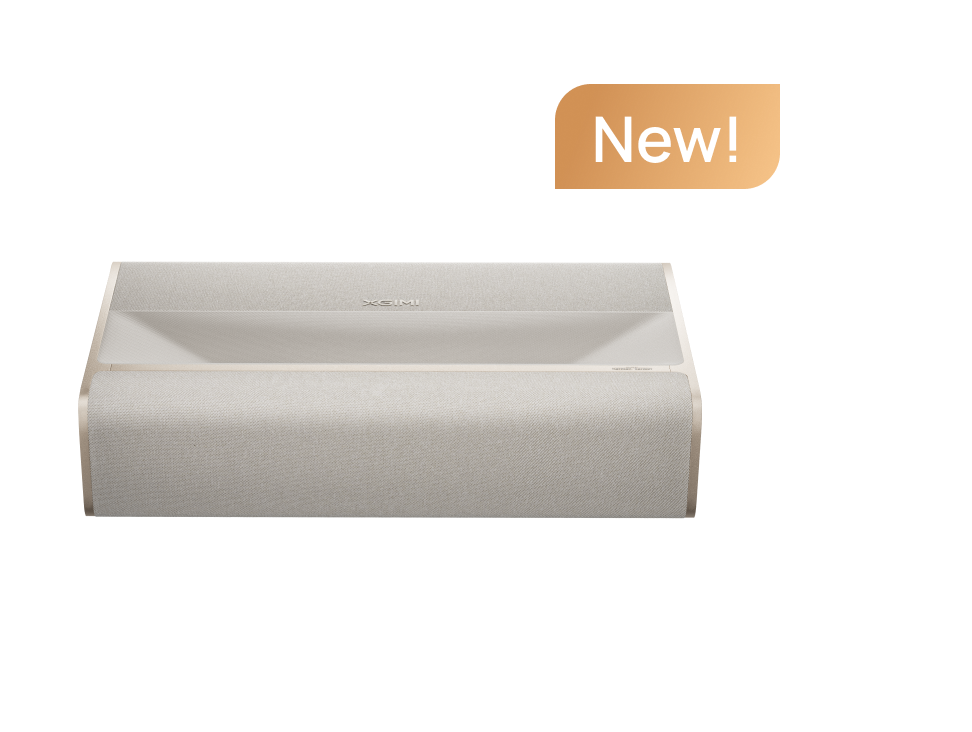
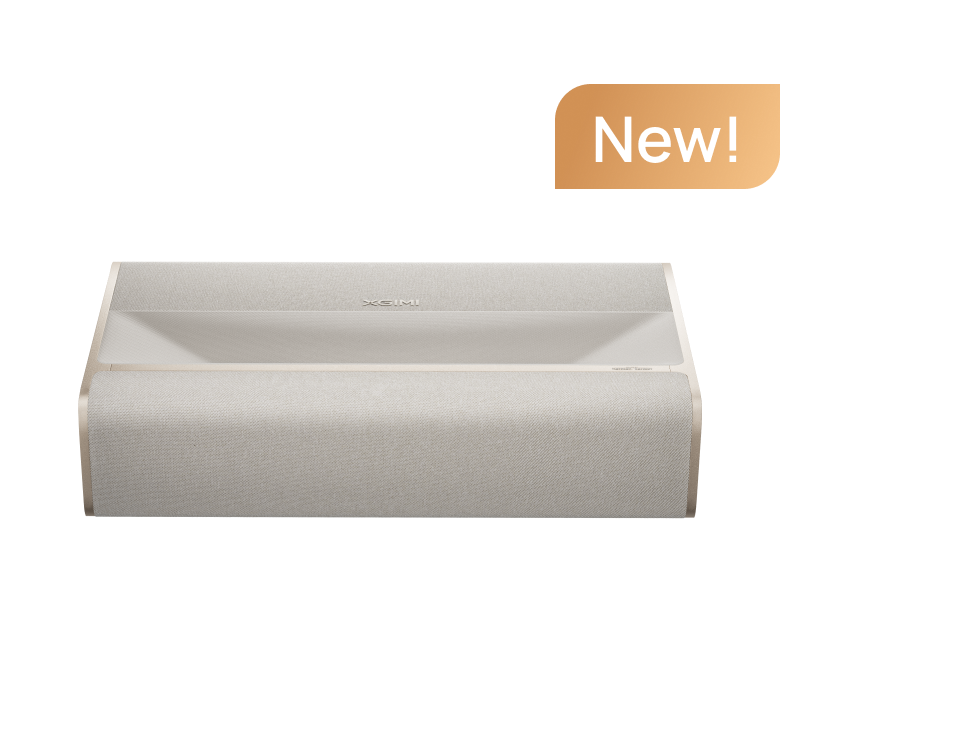
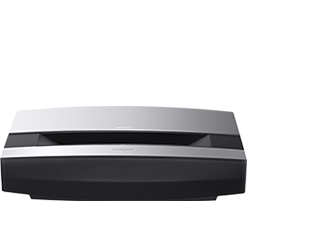
For ultra short throw (UST) projectors, the calculus is entirely different. The XGIMI AURA 2 and original AURA project light upward at extreme angles (0.177:1 and 0.233:1 throw ratios respectively). Any wall surface that isn't perfectly flat and rigid will produce wavy, distorted images that no software correction can fully eliminate. Standard throw projectors work okay on smooth white walls in dark rooms. UST projectors create wavy, distorted images on walls.
Summary:
The wall-vs-screen recommendation depends on three independent variables: ①projector throw type (standard vs. UST), ②room lighting conditions, ③and wall surface quality. Changing any one of these can flip the recommendation. The guidance below assumes a 100-inch image size, which is where 4K pixel density becomes perceptible and surface quality matters most.
Why Does 4K Resolution Make Wall Conditions More Demanding?
At 1080p, a wall's minor imperfections are often invisible since the pixel pitch is wide enough that small surface variations fall below the threshold of perception. At 4K resolution, you're resolving 8.3 million pixels across the same screen area. Wall textures with irregularities as small as 0.5–2mm can scatter light and create micro-shadows that register as a loss of sharpness during uniform-color scenes or slow camera pans.
"Wall texture, even when painted smooth, creates subtle patterns in the image." This isn't a worst-case warning — it applies to walls that have been freshly painted and appear smooth to the naked eye. The 4K lens resolves detail the human eye misses at arm's length.
There's an important counterweight to this, though. "The projector's sharpness and focus capabilities often limit resolution more than the screen." A perfectly focused projector on an average wall will outperform a misaligned projector on a premium 4K screen. Surface quality matters, but it's one variable in a system — not the only one.
What Your Wall's Paint Finish Actually Does to the Image?
The finish type on your wall determines how light scatters after it hits the surface:
- Matte/flat paint diffuses light broadly, which minimizes hotspots but reduces peak brightness and contrast. This is the recommended finish for wall projection.
- Eggshell or satin paint introduces a slight sheen that creates uneven brightness — brighter at the center, dimmer at the edges — particularly noticeable on large images.
- Semi-gloss or gloss paint creates visible hotspots: a bright central reflection that moves as you shift your viewing position. "Avoid glossy finishes that create hotspots. These are typically measured in gloss units (GU) according to ASTM D523 standards, with ideal projection surfaces staying below 5 GU."
Wall Color Matters for the Projection Just as Much
A beige or cream wall introduces a warm color cast across the entire image. Skin tones shift toward orange, whites become cream-colored, and no amount of projector color calibration can fully correct a tinted reflective surface.
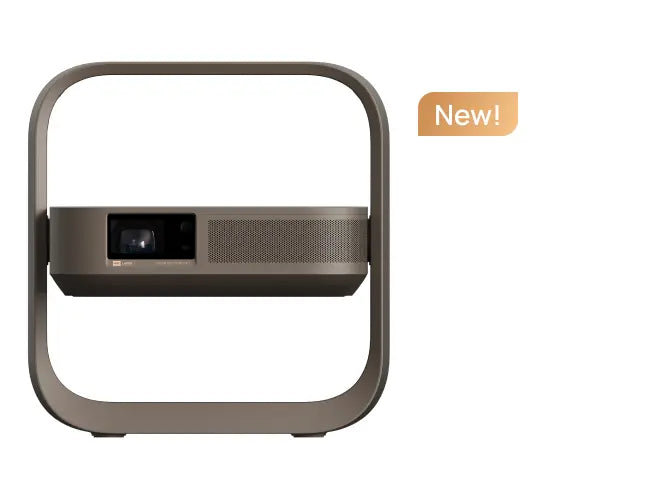
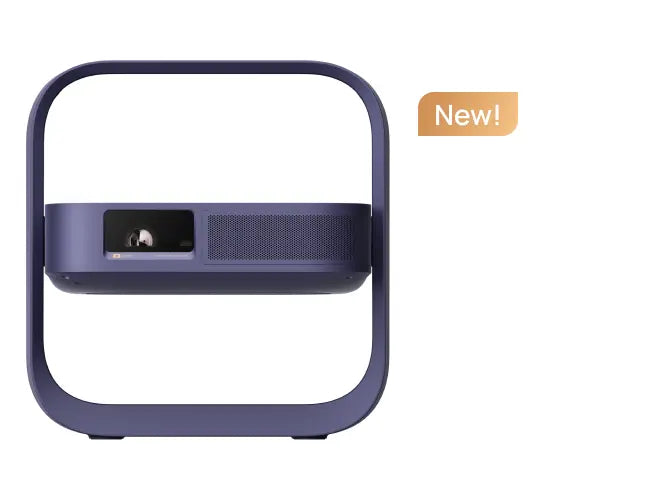
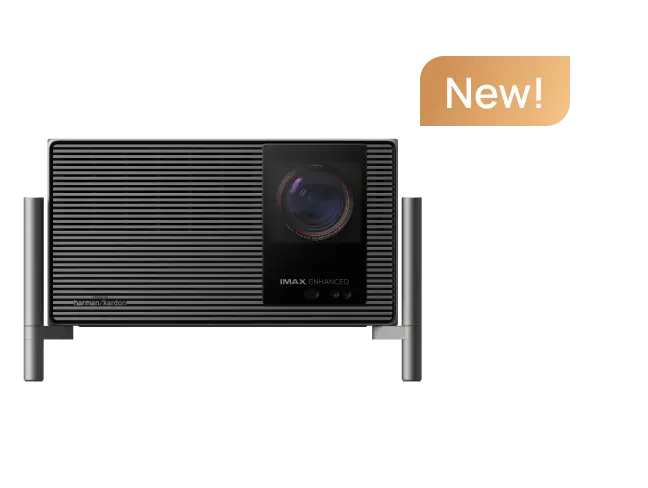
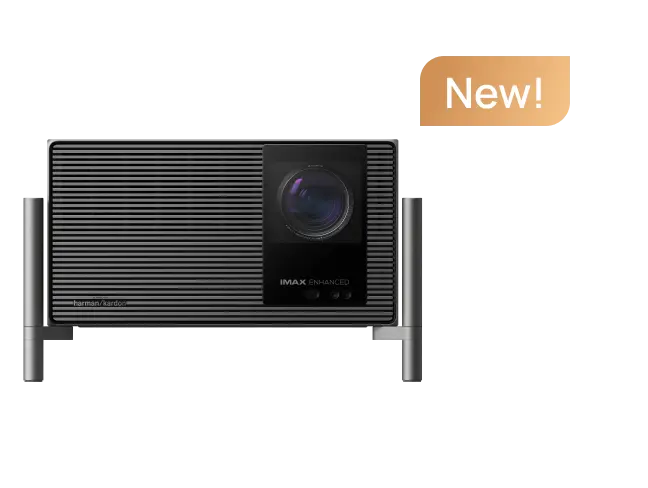
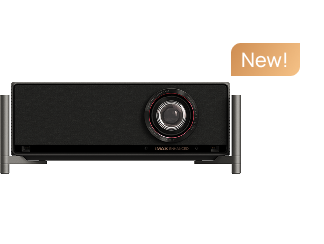
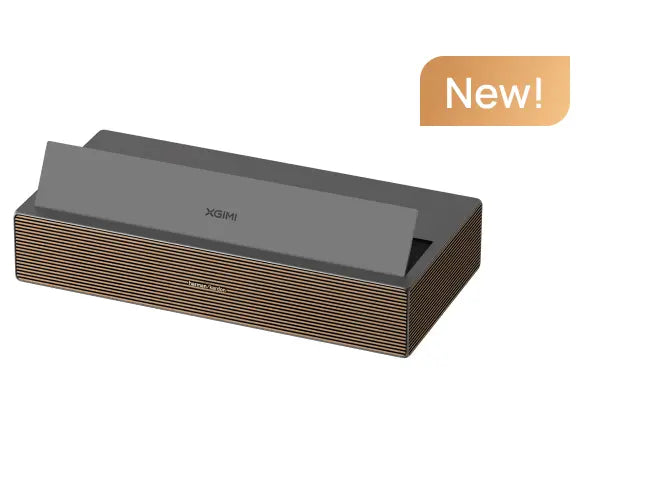
Some XGIMI 4K home theater projectors, such as the HORIZON 20 Series, include Wall Color Adaptation that calibrates across a color temperature range of 3,000K–15,000K, which partially compensates.


The Ambient Light Threshold: When a Wall Becomes Unwatchable
In a fully dark room, a smooth matte-white wall is genuinely viable. The degradation curve accelerates quickly once light enters:
1. Controlled Darkness (Blackout Curtains, No Overhead Lights)
A white wall delivers acceptable 4K image quality. Contrast and black depth will be softer than a dedicated screen, but the image is immersive and watchable. This is the scenario where the HORIZON 20's 3200 ISO lumens are well-matched to a wall surface.
2. Mixed light (Sheer Curtains, One Lamp On, Evening Light)
Ambient light washes out projected images quickly, reducing contrast and making dark scenes look gray. At this level, a matte white screen provides a meaningful improvement over a wall because its engineered surface reflects more of the projected light back toward viewers rather than scattering it.
A gray screen becomes worth considering here — it absorbs ambient light while reflecting the projector's output, boosting perceived contrast. The trade-off, as XGIMI's screen guide notes, is that "gray screens boost contrast… however… less vivid pictures, darker whites."
4. Ambient Light (Daytime with Open Blinds, Overhead Lights On)
This is where ALR technology becomes the only practical solution. "Living rooms benefit most from ALR technology. The investment makes sense if you cannot dedicate a room to complete light control."
The XGIMI 100" UST ALR Screen uses optical layers to reject 80% of ambient light while delivering a 1.4x brightness gain, figures stated under controlled conditions, with real-world performance varying based on ceiling light placement and viewing angle.
5. Direct Sunlight on the Projection Surface
No projector or screen combination overcomes direct sunlight without structural intervention (blackout solutions). This is a hard physical limit, not a product limitation.
"Ambient light washes out projected images quickly." The ceiling light position is specifically flagged as the most impactful variable: "Lights directly above the screen cause the biggest problems." If your ceiling light is directly above your projection area, even a good ALR screen will underperform its rated spec.

Special Case: Walls Are Not Compatible with UST Projectors
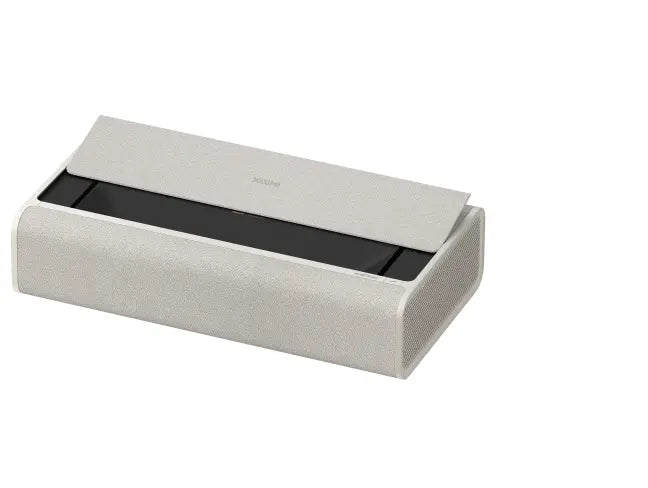
This section applies specifically to owners of AURA 2 and MIRA 4K ultra short throw movie projectors.
UST projectors sit 17–45 cm from the wall and project light upward at a steep angle. This geometry means any surface imperfection, such as a slight bow in drywall, a paint texture, or even the subtle waviness of a freshly hung sheet, is optically magnified across the entire image. The result is a wavy, distorted picture that looks like the image is projected onto a rippled pond.
Thus, it is suggested that an 88–100-inch ALR screen be designed for AURA UST laser projectors. "Using ordinary electric screens and floor screens is not ideal" because rollable or retractable screens introduce the same waviness problem as walls. The screen must be flat, rigid, and wall-mounted.
The AURA 2's Wall Flatness Adaption feature requires a "regular painted surface" and explicitly does not support wallpaper, dirt, or walls with decorations. Even with this feature enabled, the projector's ISA 5.0 system is compensating for surface imperfection rather than eliminating it. The practical ceiling for wall projection with a UST is a freshly plastered, perfectly flat surface ,which is a condition that describes very few real living rooms.
article_product2

Matching Your Room to the Right Surface: A Decision Checklist
Work through these questions in order. Stop at the first answer that applies.
1. Do you own a UST projector (AURA 2 or MIRA)?
Yes → You need a flat, rigid ALR screen. Wall projection will produce distortion. Pair your AURA 2 with the XGIMI 100" UST ALR Screen for the setup it was designed for.
2. Is your room fully dark during viewing (blackout curtains or no windows)?
Yes → A smooth, flat, matte-white wall is viable. Paint finish must be matte (not eggshell, satin, or gloss). Wall must be white or very light gray. If you notice texture artifacts or want better contrast, a matte white screen is the next step — not a major expense, and the screen buying guide covers options at every price point.
3. Is your room in mixed light (lamps, evening ambient, sheer curtains)?
Yes → A white wall will show noticeably reduced contrast and washed-out blacks. A matte white screen improves this. If you cannot achieve near-darkness, a gray screen is worth the trade-off in contrast gain, accepting slightly less vivid whites.
4. Do you watch in a room with overhead lights on or daytime ambient light?
Yes → An ALR screen is the only surface that meaningfully fights ambient light. The 80% ambient light rejection rating of XGIMI's UST ALR Screen is a manufacturer figure under controlled conditions — real-world performance depends heavily on whether ceiling lights are positioned above or behind the screen.
5. Is your wall beige, cream, or any non-white color?
Yes → Expect a warm color cast. The HORIZON 20 and AURA 2 include wall-color correction that partially compensates, but it works best in dim environments and cannot restore contrast. A portable white screen is a low-cost fix that eliminates the problem entirely.
article_product1
Outcomes and Advice for Four Different Real Scenarios
1. Apartment Renter on Beige rental Walls
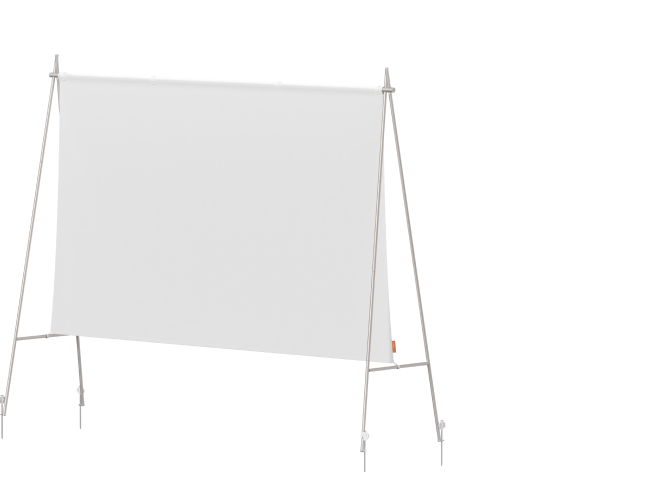
This is one of the most common setups and one of the most compromised. Warm walls turn all whites cream-colored and skew skin tones toward orange. The HORIZON 20's wall-color adaptation (3,000K–15,000K calibration range) helps, but the correction is partial. A portable rollable screen (no drilling required) solves the color problem completely and costs less than most people expect.
2. Open-concept Loft with Track Lighting
Track lights positioned above the projection area are the single worst ambient light scenario for any projector. If you cannot switch off the specific lights above your screen zone, an ALR screen is the only path to a watchable image. The AURA 2's ultra-short throw geometry also means it avoids the beam-crossing-the-room problem that makes standard-throw projectors impractical in open spaces.
3. Converted Garage with Concrete Block Walls
Mortar lines between blocks create a visible grid pattern across the image during panning shots or uniform backgrounds. This is a textured-wall failure mode that no brightness level overcomes since the texture is structural, not cosmetic. A fixed-frame screen is the correct solution here, and the HORIZON 20 Max at 5,700 ISO lumens gives you enough headroom to run a larger screen without losing brightness.
4. Dark Bedroom for Midnight Viewing
This is the scenario where wall projection performs best. A smooth matte-white wall in a fully dark bedroom delivers a genuinely immersive experience. The main risk is texture artifacts during dark, uniform scenes. Though if you notice them, they tend to become harder to ignore over time. A matte white screen eliminates the issue permanently.
Comparison Form
| Surface | Dark Room | Mixed Light | Ambient Light | UST Compatible |
|---|---|---|---|---|
| Smooth matte-white wall | Viable | Noticeable degradation | Poor | No |
| Matte white screen | Good | Moderate | Poor | No |
| Gray screen | Good | Better contrast | Moderate | No |
| ALR screen | Good | Good | Good | Yes (rigid only) |
One Caveat That Most Guides Skip: Digital Correction Costs You Resolution
When you use digital keystone correction to straighten a wall-projected image for better centering on the wall, the image processor resamples the pixel grid.
XGIMI's own guidance is clear: "Digital correction helps but can reduce effective resolution slightly." In extreme correction angles, this reduction becomes perceptible at 4K. The auto keystone on ISA 5.0 projectors handles up to 40° vertical and 30° horizontal. Once beyond that, you need to physically reposition the projector.
The practical implication: if you're projecting onto a wall at an angle because the room layout doesn't allow a straight-on setup, you're applying digital correction that partially undoes the resolution advantage of 4K. A dedicated screen with proper projector placement eliminates this variable entirely.
Summary:
Digital keystone correction is a convenience feature, not a free lunch. For casual viewing, the resolution trade-off is acceptable. For 4K movie enthusiasts who are sensitive to sharpness, minimizing correction angle preserves more of the projector's native resolution output. Using optical zoom instead of digital correction is also a method.
Note: Who This Guide Is Not For
This article is written for first-time and intermediate 4K projector owners setting up in a living room, bedroom, or dedicated space. If you're a professional AV installer specifying commercial venues, the surface selection criteria are governed by different standards (SMPTE screen luminance targets, throw distance calculations for large venues) that are outside the scope of this guide.
If you're using a 1080p portable projector, wall surface trade-offs are less critical at that resolution and brightness tier — the pixel pitch is wider, and minor surface imperfections are less perceptible.
Your Next Step Depends on Your Setup
Dark room, standard throw projector: XGIMI HORIZON 20 4K home cinema projector on a smooth matte-white wall is a legitimate starting point. When you're ready to step up, the projector screen buying guide walks through every screen type with clear selection criteria.
Living room with ambient light, standard throw: Start with finding the right gray or ALR screen for your specific lighting conditions.
UST buyer or TV-replacement setup: The AURA 2 paired with the XGIMI 100" UST ALR Screen is the purpose-built combination. The screen's rigid frame, 80% ambient light rejection, and 1.4x brightness gain are specifically engineered for the AURA 2's projection geometry. Projecting onto a wall is not a cost-saving option for UST — it's a quality-degrading one.


